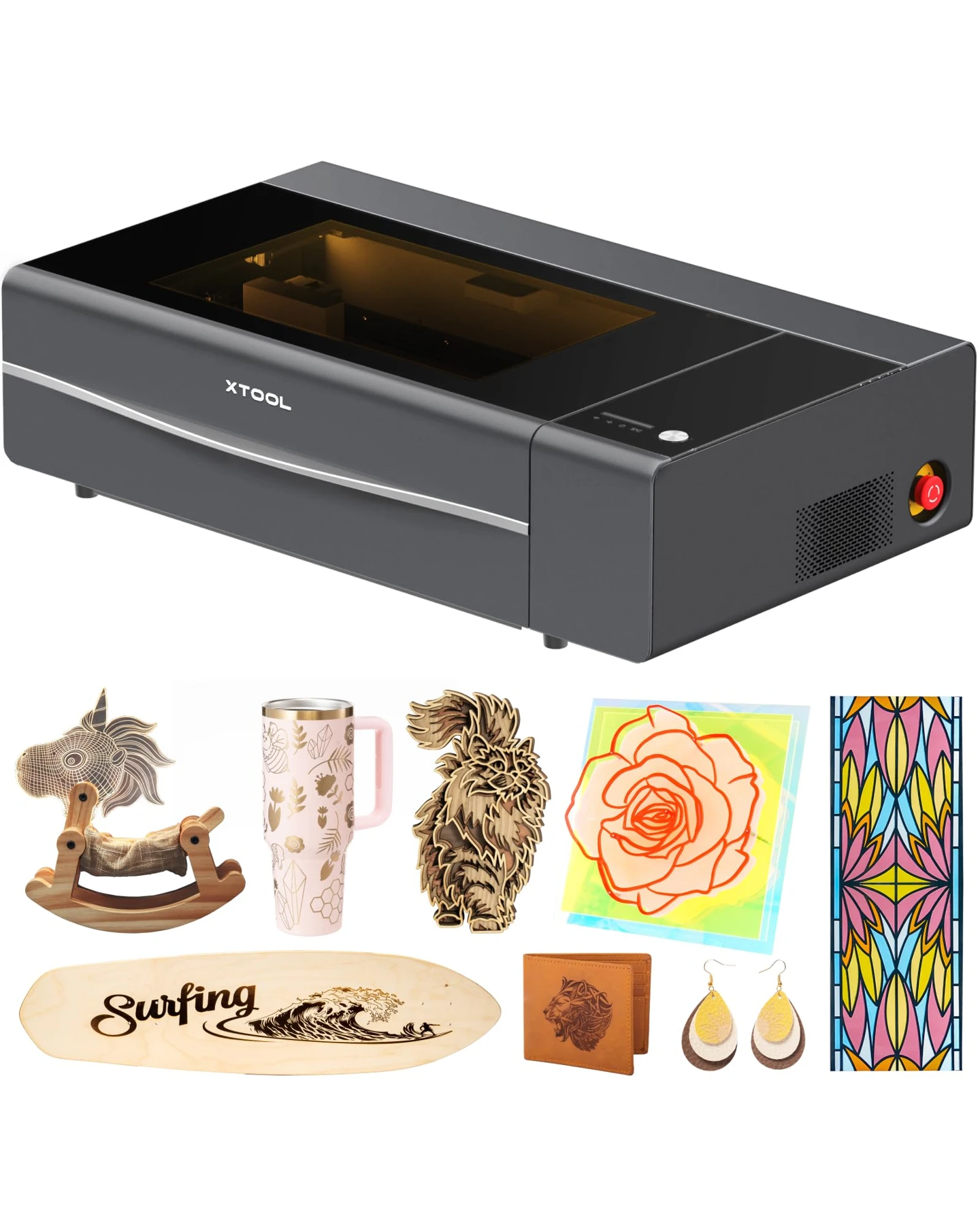
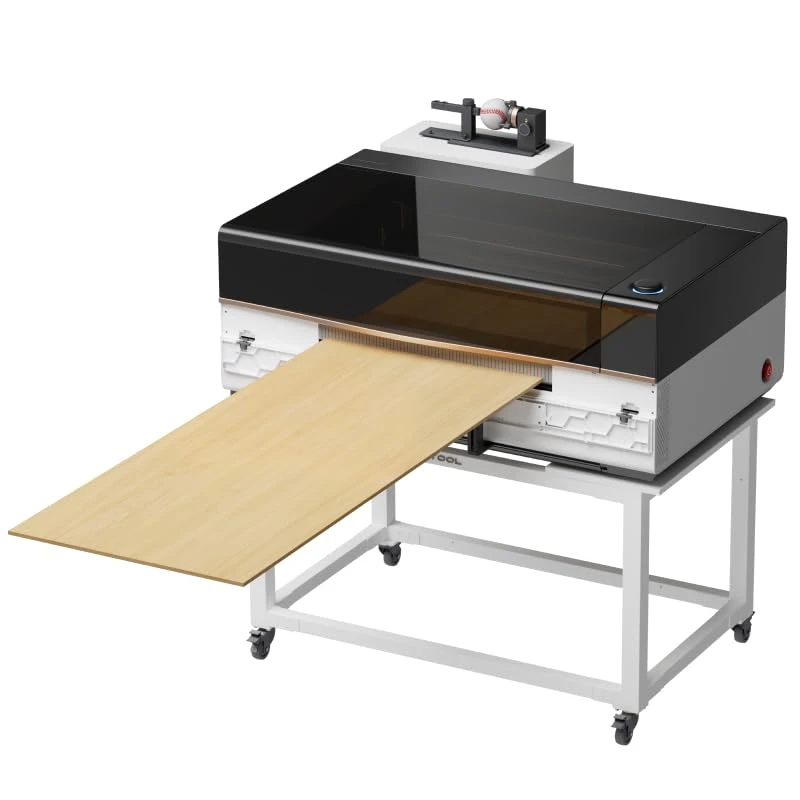
 Laser Engraver Reviews
The M2 20W makes more sense for cutting-led projects; the 10W Color Craft kit makes more sense when color printing and rotary work are part of the purchase. Decide which processes you will actually use before comparing wattage. These are choices about the laser module and included accessories, not two completely different workstations.
In this guide
What Changes Between These Two Kits?
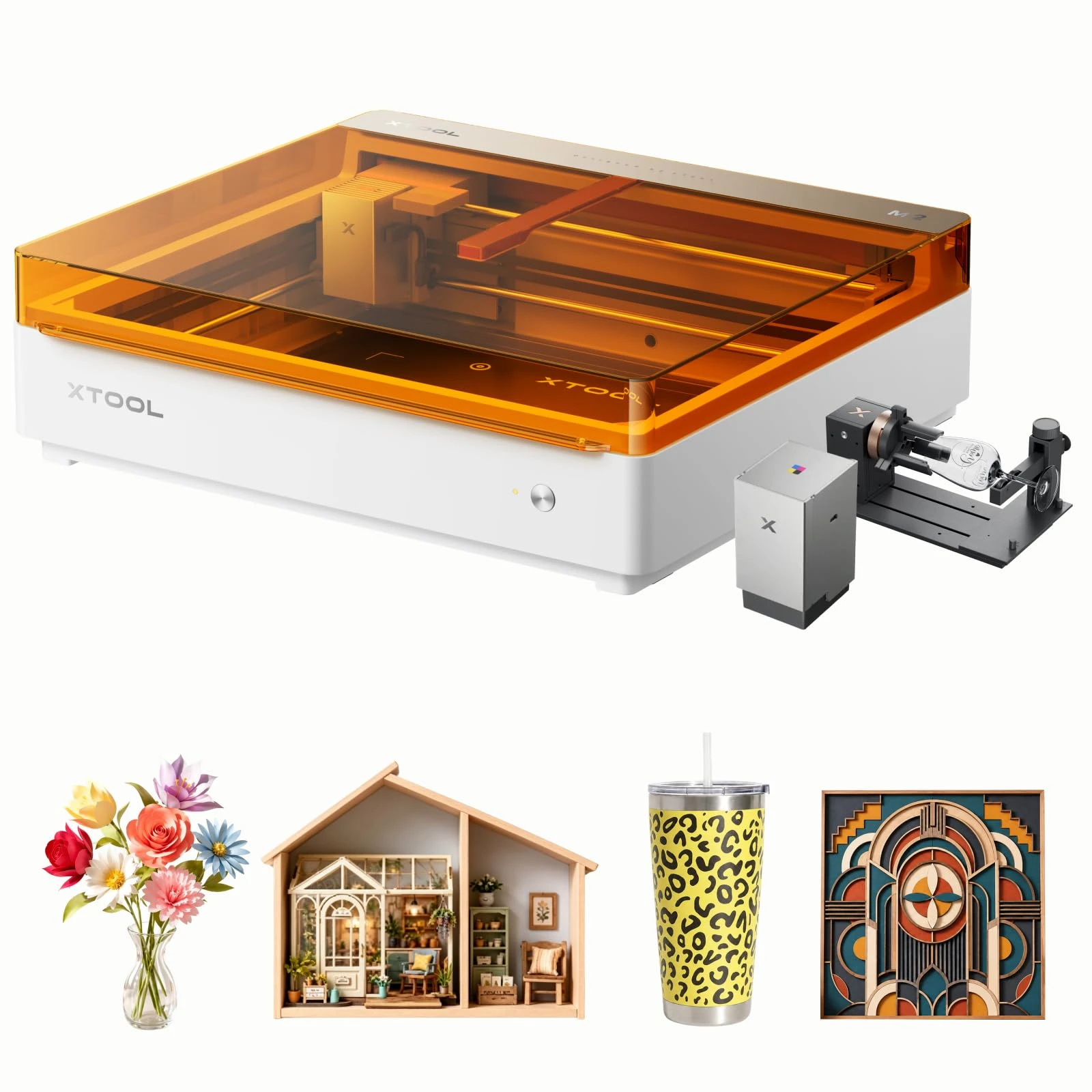
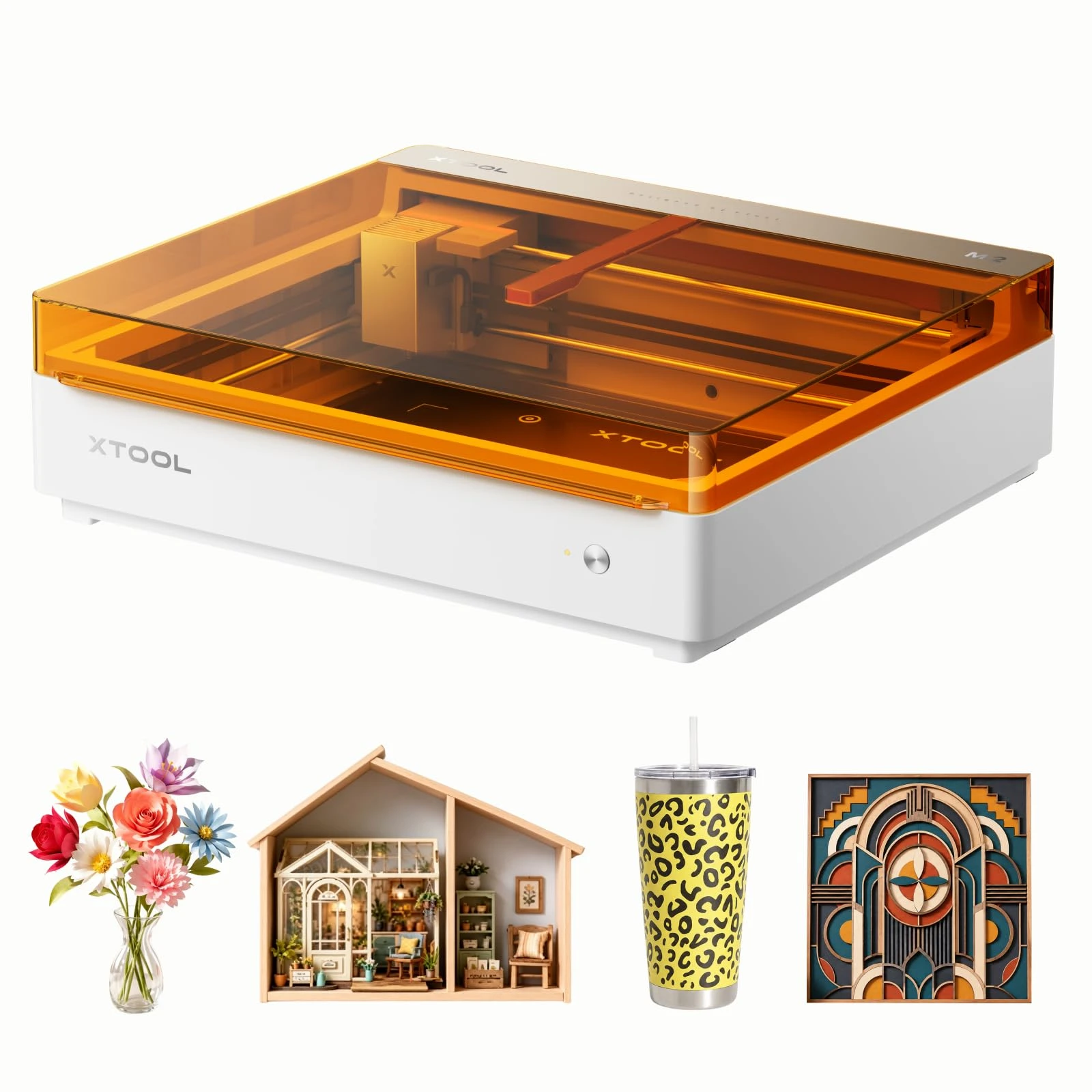
Both versions use the M2 platform. The selected 10W Color Craft kit includes the CMYK inkjet module and RA3 Lite; the selected 20W package focuses on the laser. A capability being available for the M2 does not mean its required module is included in every kit.
| Buying consideration | M2 10W Color Craft kit | M2 20W laser package |
|---|---|---|
| Blue-diode laser output | 10W | 20W |
| Laser work area | 426 x 320 mm | 426 x 320 mm |
| CMYK inkjet module in these kits | Included | Separate purchase |
| RA3 Lite in these kits | Included | Separate purchase |
| Practical starting point | Color-decorated gifts and mixed craft work | Cutting-focused projects |
The shared workspace means the 20W module does not let you load a larger sheet. Likewise, choosing the 10W kit for its accessories is not a claim that the 20W M2 cannot support those accessories.
Choose the Laser Around Your Materials
Extra optical power gives the 20W module more cutting headroom. It does not establish twice the finished-job speed: preparation, design complexity, material variation and finishing still contribute to the time per item.
For wooden tags, ornaments and repeated sheet-material designs, compare the thickness you normally use with the finish you need. A design that technically separates from the sheet may still need edge cleaning. Run a small parameter test on the actual stock before committing a full layout.
Acrylic needs a qualification: dark, opaque acrylic suitable for blue-diode processing is not the same as clear acrylic. Neither the 10W nor the 20W blue-diode module should be bought as a clear-acrylic cutting solution. Surface marking with preparation is also a different process from cutting through a transparent sheet.
Metal deserves the same distinction. Removing a coating or marking a prepared surface does not make either kit a general-purpose bare-metal cutter. The optional infrared module is a separate purchasing decision. See the M2 material guide for module-specific boundaries, including materials to keep out of the laser.
Color Printing and Rotary Work Change the Workflow
The Color Craft kit is useful when the finished product needs printed color, not simply a laser-browned design. Think about a personalized illustration, label or gift panel: artwork preparation, surface suitability and alignment matter alongside the laser step.
A sensible print-then-cut sequence is to prepare the artwork, use an appropriate printable blank, check its position in the software, print, and verify the cutting outline before processing. A small alignment sample is less expensive than discovering an offset across an entire batch.
For cylindrical personalization, the RA3 Lite holds and rotates a compatible workpiece. Recheck holding, focus and clearance whenever the object changes. Do not carry flat-sheet assumptions into a bottle or tumbler job. The RA3 Lite instructions cover its M2-specific setup.
The M2 does not support a conveyor feeder. Its batch workflow is arranging and processing work within its supported setup, not continuous conveyor production. That limitation matters if a moving-belt production line is the reason you are considering the machine.
Software, Ventilation and the Costs After Checkout
Both kits belong to the xTool Studio workflow. The M2 does not support LightBurn or XCS, so an existing LightBurn material library is not a ready-to-run migration. Check your normal design-file workflow before buying another machine for a multi-laser workshop. The M2 FAQ also explains accessory compatibility and offline-job limitations.
An enclosure addresses laser access; it does not dispose of process emissions. Plan an appropriate exhaust route or compatible extraction arrangement, leave room for the hose, and keep the work area suitable for the materials being processed. Unknown-composition plastics, leather or foam are not appropriate test blanks.
Compare the kit with the equipment you already own. For color work, include ink and suitable blanks. For rotary work, include the correct attachment if it is absent. For either version, budget for extraction, cleaning and material tests. There is no useful fixed payback period without your own selling price, reject rate and job time.
M2 10W · Product video
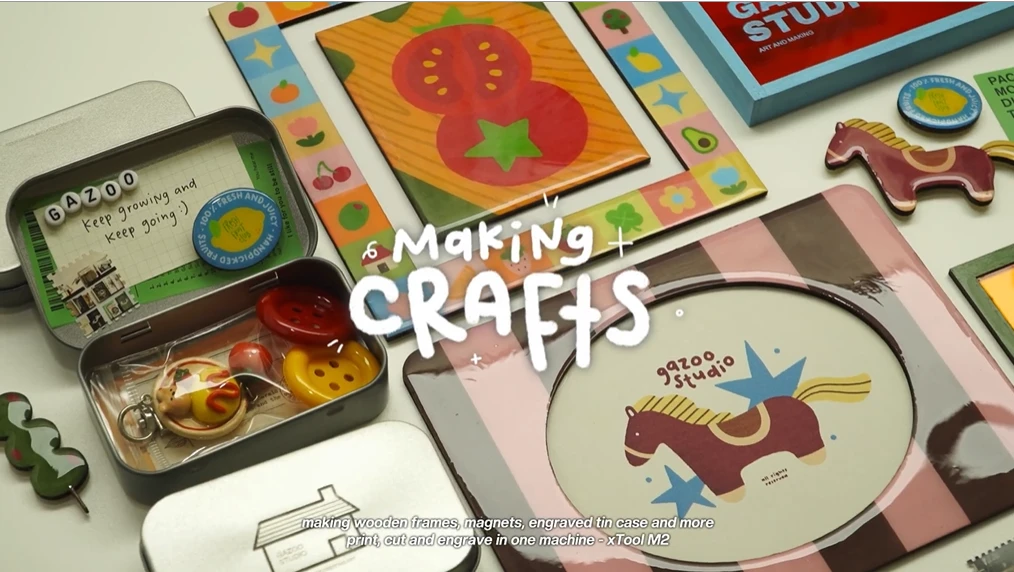
M2 20W · Product video
Frequently Asked Questions
Does the 20W M2 print in color?
The M2 platform supports the separate CMYK inkjet module. The 20W laser does not print color by itself, and the selected 20W package does not include that module. The 10W Color Craft kit includes it. Compare included equipment rather than assuming that laser power determines color-printing capability.
Can either version cut clear acrylic?
Neither blue-diode version is the right choice for cutting clear acrylic. Suitable dark or opaque acrylic can behave differently. Surface marking with a treatment is another process and should not be presented as transparent-sheet cutting. If clear-acrylic signage is your main product, evaluate a machine and process designed for that material.
Is 20W always better for fine engraving?
No. Optical power is not a complete engraving-quality score. The design, material finish, focus and settings all affect detail. Choose higher power because it serves a cutting requirement, not because the larger number guarantees sharper text or a better photograph on every material.
Does rotary engraving need a conveyor or a riser base?
No conveyor is supported on the M2, and a riser base is not one of its supported accessories. Use the M2-specific RA3 Lite setup and check that the workpiece fits its holding and clearance requirements. Do not copy setup instructions for another xTool machine simply because it also uses a rotary accessory.
What should I check before the first paid batch?
Confirm the material composition, secure the blanks, check focus and placement, and run a small sample with the intended artwork. Inspect both the finish and alignment before filling the workspace. Keep the successful settings with the material and finish they were tested on; they are not universal settings for every sheet carrying the same material name.
Verdict
Choose the 20W M2 when cutting is the job you need to improve. Choose the 10W Color Craft kit when its included printing and rotary equipment will be used from the start. The less suitable purchase is the one that leaves your required process unfunded, even if its headline wattage looks attractive.
M2 10WUSView current offer
M2 20WUSView current offer