 Laser Engraver Reviews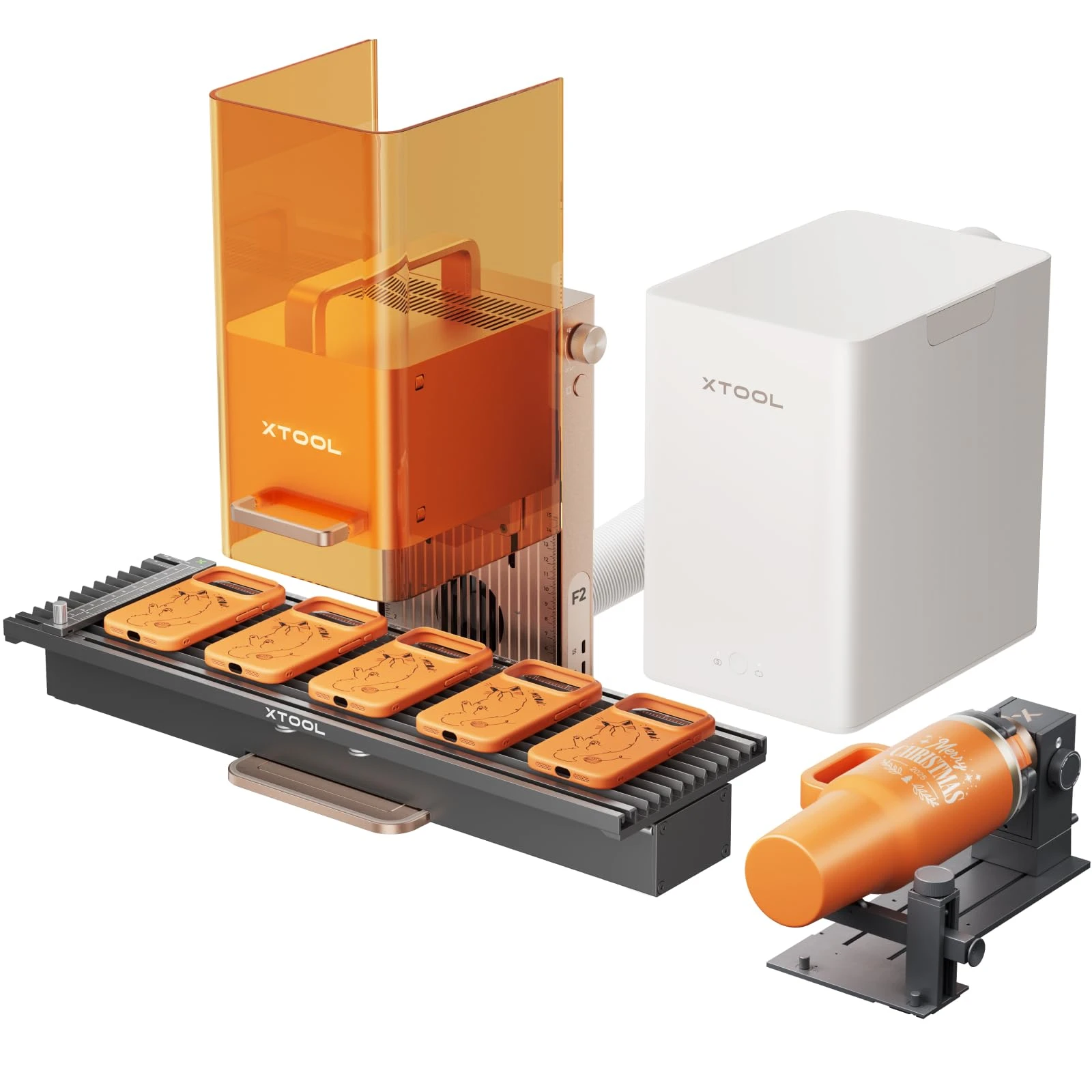
In this guide
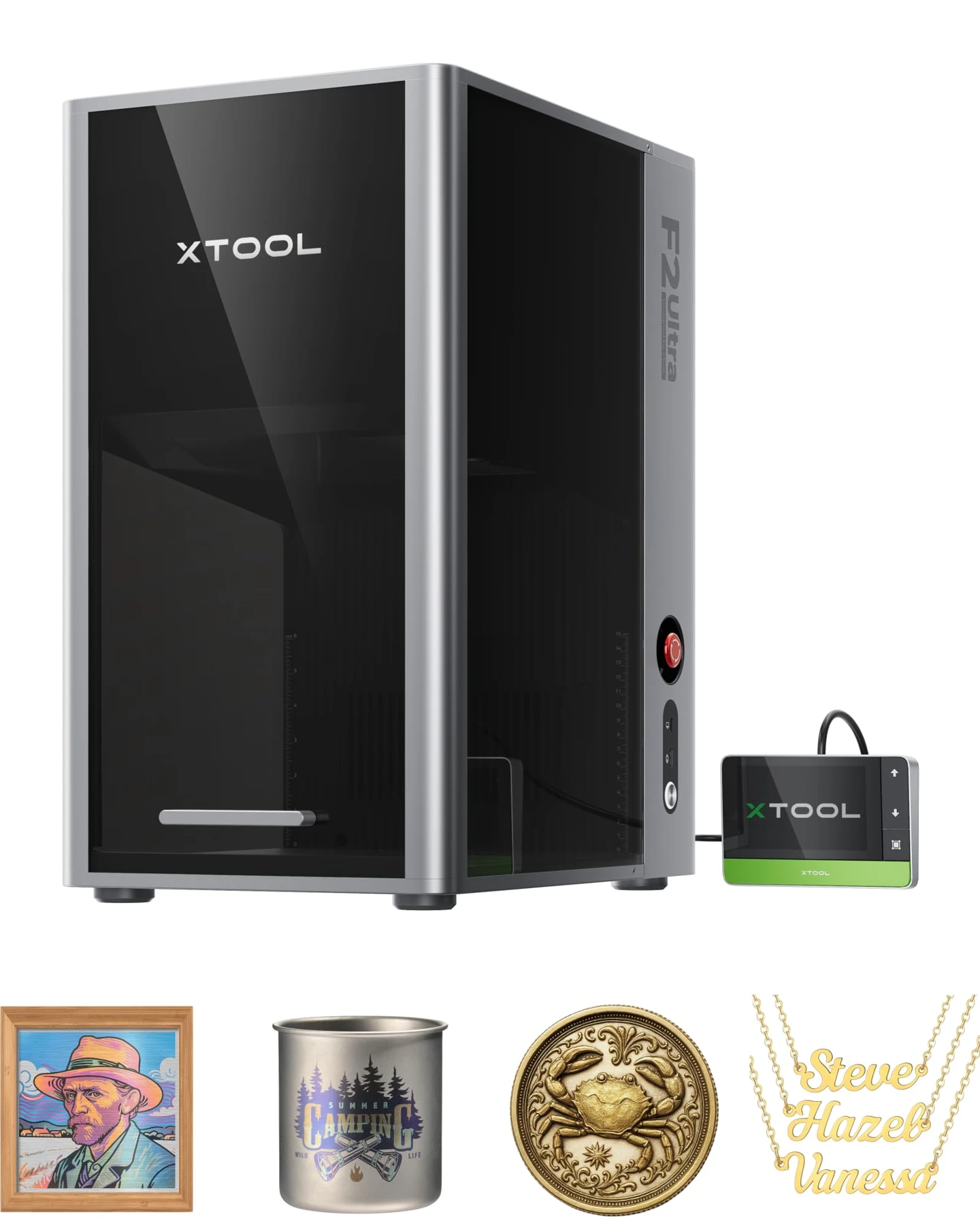
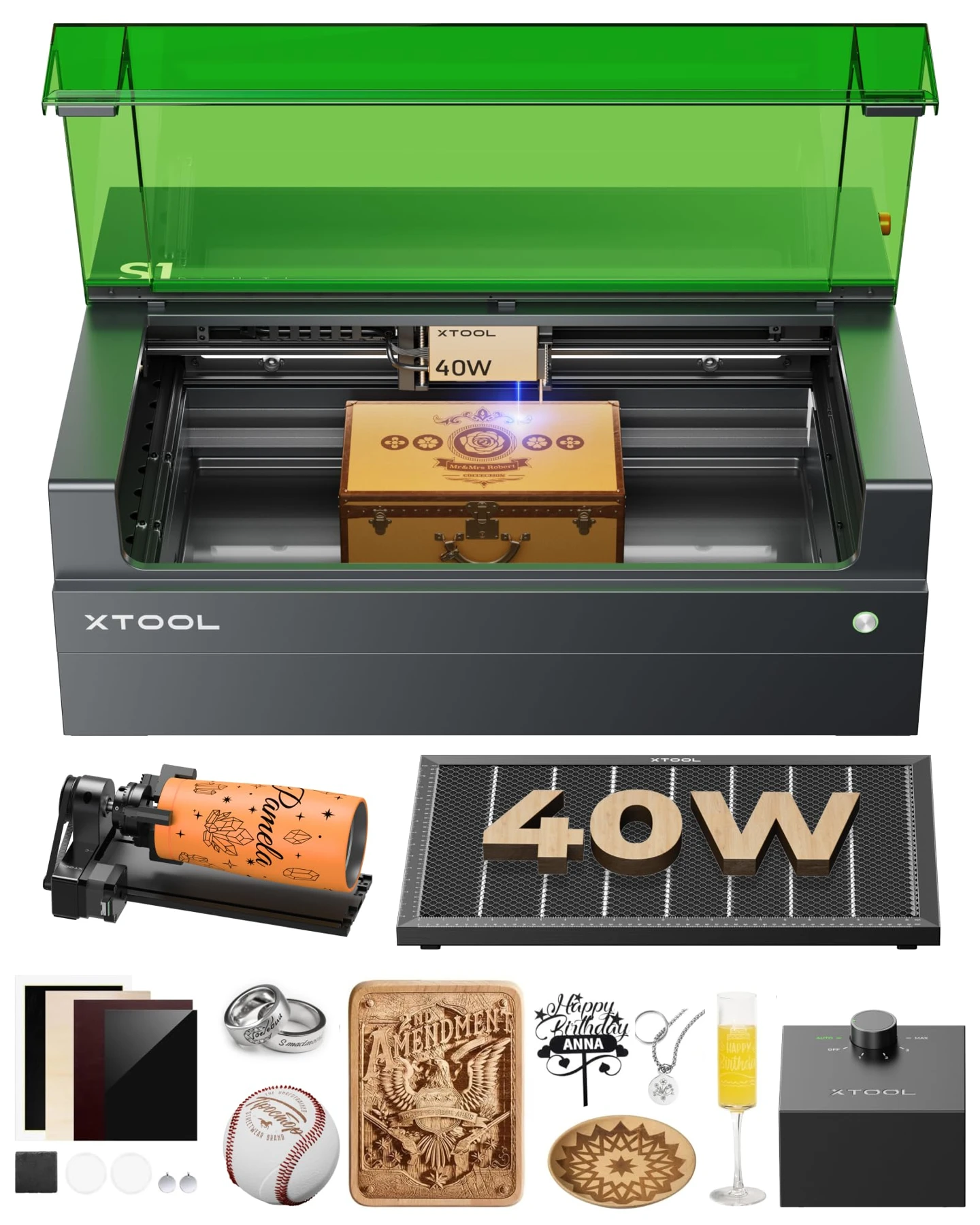
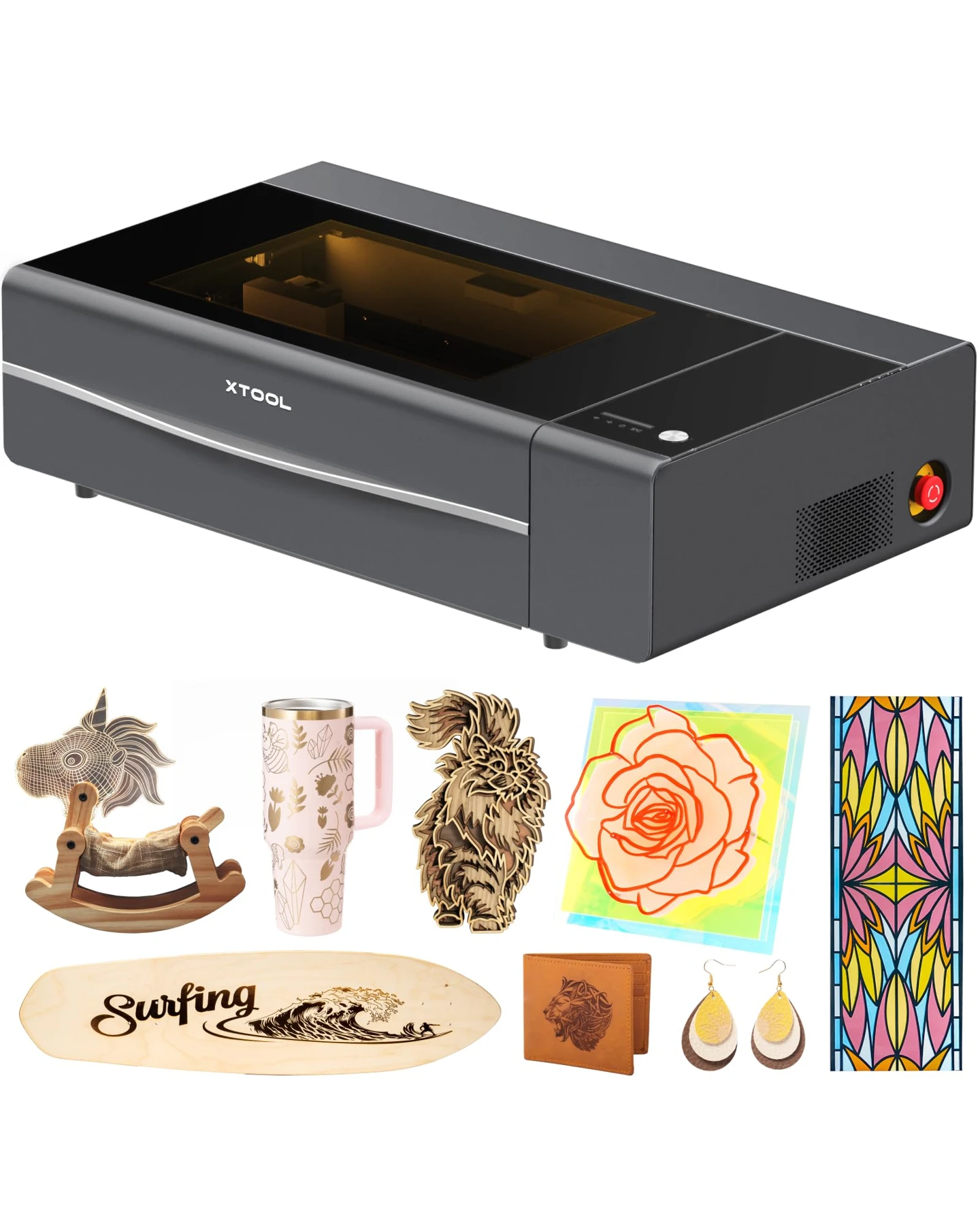
The xTool F2 prioritizes portability and mixed-material crafting with its 5W IR and 15W diode setup, while the xTool F1 Ultra targets deep metal engraving and higher-volume batch production using a stronger 20W fiber and 20W diode system. Your choice depends on whether you need a lightweight machine for mobile personalization or a heavier workspace capable of material removal.
xTool F2 vs F1 Ultra: Quick Comparison
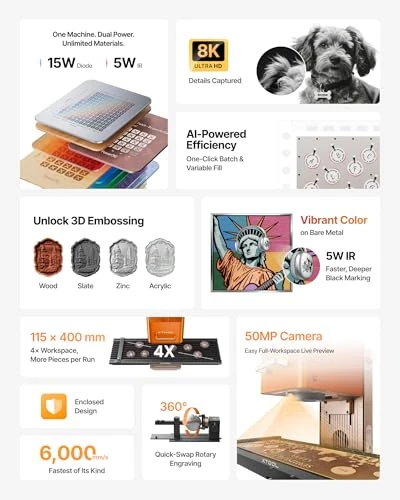
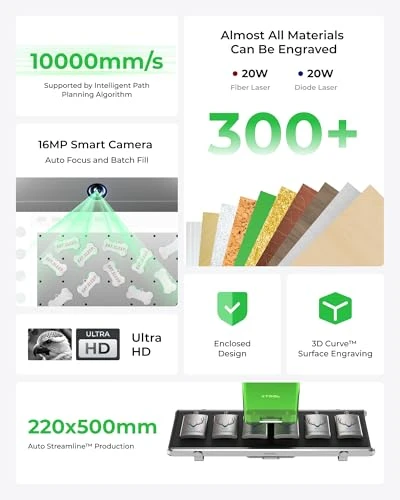
| Comparison factor | xTool F2 | xTool F1 Ultra |
|---|---|---|
| Laser technology | Infrared + blue diode | Fiber + blue diode |
| Optical output | 5W IR + 15W diode | 20W fiber + 20W diode |
| Advertised maximum engraving speed | 6,000 mm/s | 10,000 mm/s |
| Advertised camera resolution | 50MP | 16MP |
| Standard working area | 115 × 115 mm | 220 × 220 mm |
| Metal processing | Surface marking and selected engraving | Better suited to deep metal engraving and relief work |
| Nonmetal laser | 15W diode | 20W diode |
| Listed package | Slide extension, RA3 rotary, air purifier | Confirm included accessories with seller |
| Best Suited For | Mobile personalization and mixed-material gifts | Deep metal engraving and higher-volume personalization |
Advertised speeds and camera resolutions are manufacturer figures, not independent measures of job throughput or positioning accuracy.
Laser Technology and Metal Engraving Capability
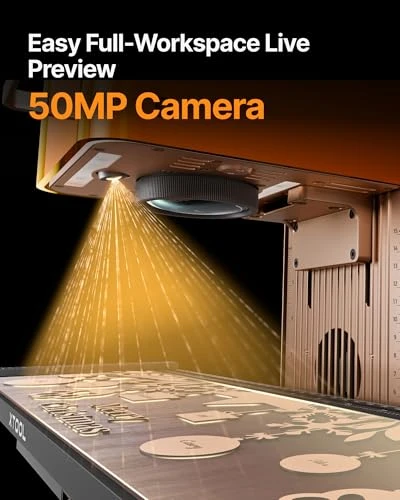
Both machines pair a blue diode laser for nonmetals with an infrared-class technology for metal applications. The F2 features a 5W infrared module suitable for surface metal marking and jewelry personalization, alongside a 15W diode for wood, leather, and compatible materials.
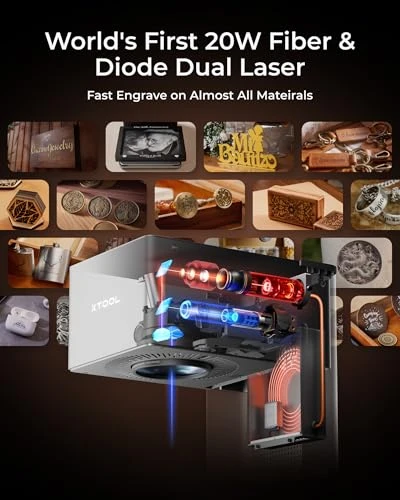
The F1 Ultra steps up to a 20W fiber source paired with a 20W diode. Its higher-power fiber laser provides greater headroom for material removal, making it better suited for recessed engraving, 3D relief designs, and demanding batch work on bare metals like stainless steel, brass, and titanium. Laser-induced colors on metal depend heavily on the alloy, surface preparation, and processing parameters, so always test actual blanks before production.
Working Area, Batch Production, and Speed
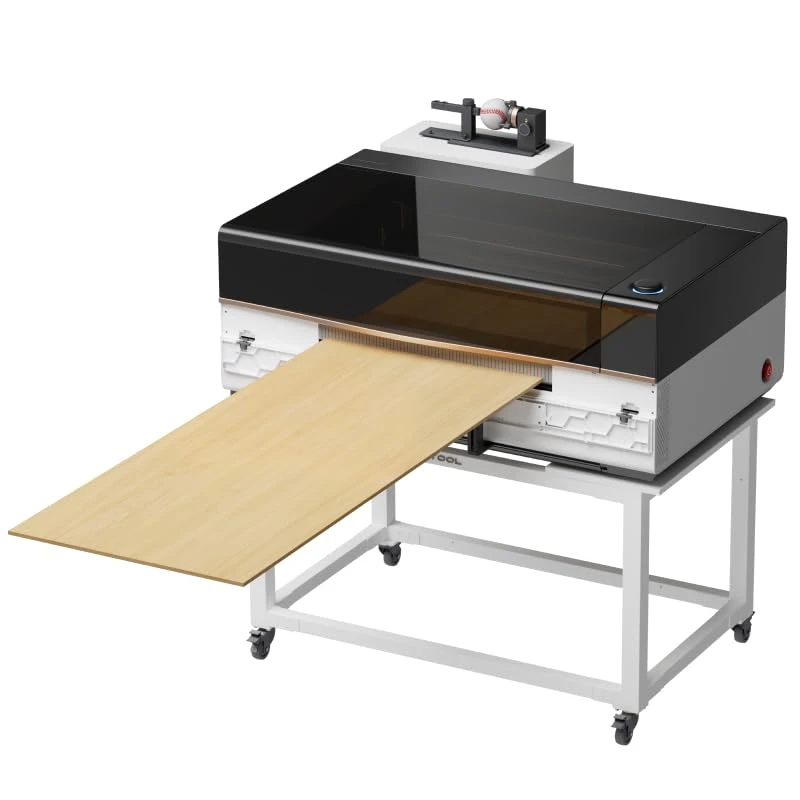
The F2's standard work area is 115 × 115 mm, which can be expanded to 115 × 400 mm using its included slide extension. The F1 Ultra features a larger 220 × 220 mm standard workspace, helping arrange wider objects or multiple pieces.
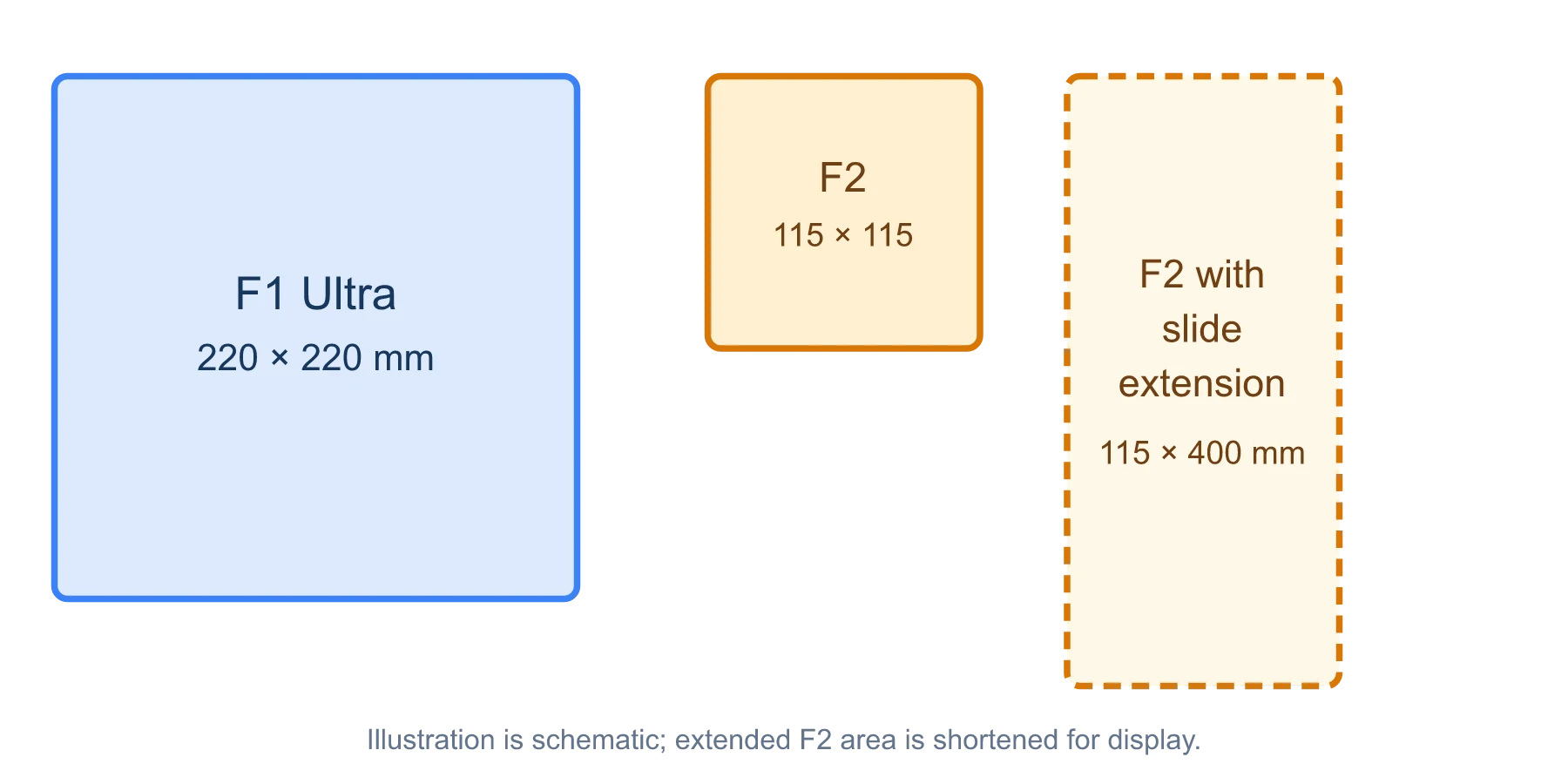
Working area comparison. The slide extension adds length rather than width.
Regarding speed, the F2 advertises a maximum scanning speed of 6,000 mm/s, while the F1 Ultra reaches 10,000 mm/s. These are scanning ceilings rather than guaranteed reductions in total job time, as loading, alignment, and focusing often dictate throughput on small items.
Cutting Organic Materials and Safety
Equipped with diode lasers, both models can engrave organic materials and cut compatible thin stock. The F2 features a 15W diode, while the F1 Ultra includes a 20W diode. Neither compact desktop machine replaces a dedicated CO2 cutter for heavy sheet cutting.
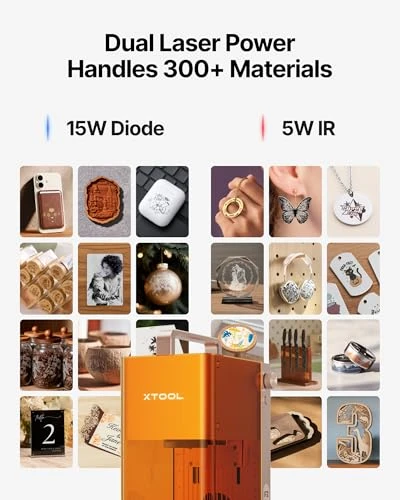
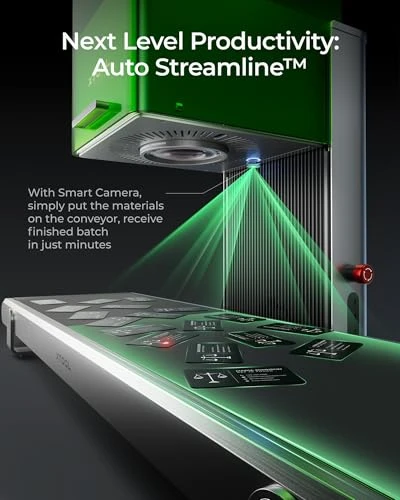
When processing acrylic, transparent and light-colored stock often transmits blue laser light, making dark opaque acrylic more suitable. Avoid processing PVC or vinyl-containing materials due to hazardous emissions. Protective covers do not eliminate laser hazards; always maintain appropriate ventilation and follow safety guidelines.
Software, Camera Alignment, and Ownership Costs
The F2 advertises a 50MP camera compared to the F1 Ultra's 16MP system. While higher resolution captures more detail, placement accuracy also depends on calibration and focus. The F2 uses xTool Studio. With the latest online-enabled firmware, it also supports a network connection with LightBurn 2.2.00 or later. Check the [firmware and connection requirements] before moving an existing workflow.
Consider the total cost of a usable setup. The F2 package specified here includes a slide extension, RA3 rotary attachment, and air purifier. The F1 Ultra the configuration focuses primarily on the standalone machine, requiring buyers to confirm whether rotary or exhaust equipment is bundled.
F2 5W IR · Product video

F1 Ultra 20W · Product video
Frequently Asked Questions
Is F2 5W IR easy to set up?
Yes, the xTool F2 Dual Laser Engraver is designed for quick setup. It arrives fully assembled — just unbox, plug in, and start engraving.
What makes setup easy:
- Pre-assembled out of the box – No complex assembly required
- Built-in 50MP camera – Auto-positioning ensures precise alignment without manual calibration
- Material presets – XCS software includes pre-configured settings for common materials, eliminating guesswork
- Intuitive interface – Customers consistently mention the software is straightforward to learn
Customers frequently say they found it "easy to set up and use right out of the box" with "a pretty short learning curve." One noted: "I feel like a pro now" after getting familiar with it.
Can F1 Ultra 20W engrave on curved surfaces?
Yes, the xTool F1 Ultra handles curved surfaces very well. Customers specifically mention it makes working on curved surfaces "incredibly easy."
For curved engraving:
- Without the RA Pro – The machine retains enough laser power to bend around edges and engrave curved items like golf clubs, cylindrical objects, and irregular shapes
- With the RA Pro attachment (sold separately) – Enables perfect, precise engraving around curved surfaces for professional results
- Dual lasers – Both the 20W fiber and 20W diode adapt to curved geometry seamlessly
The 16MP smart camera auto-focuses and adjusts as it moves along curves, so you don't need manual repositioning between passes.
Can the xTool F2 engrave stainless steel?
Yes. Its infrared module can mark and engrave compatible stainless steel, although results depend on finish, settings, and required depth.
Can the xTool F1 Ultra cut metal?
Yes, within limits. The manufacturer advertises cutting selected thin metal sheets; it is not an industrial sheet-metal cutter.
Can F2 5W IR engrave on wood?
Yes, the xTool F2 Dual Laser Engraver engraves wood beautifully with its 15W diode laser. It handles:
- Light wood – Precise detail engraving, photos, logos, and text
- Deep engraving – The 15W diode can cut through thin wood (up to ~3mm) and create deep relief engravings for 3D effects
- Speed – Completes wood engravings 1–5× faster than typical portable models
The 50MP camera with 0.1mm accuracy ensures perfect positioning before you engrave, so you get clean, professional results every time.
Customers frequently mention producing "professional results quickly" and note the engraving quality is "sharp, detailed, and very consistent."
Is the F1 Ultra faster than the F2?
Its advertised maximum scanning speed is higher, but total production time depends on design, materials, settings, and handling.
Does the F2's 50MP camera make it more accurate?
Not necessarily. Camera resolution is only one part of the alignment system.
Does F1 Ultra 20W come with design software?
Yes, the xTool F1 Ultra comes with XCS software — xTool's proprietary design and control software included free with the machine.
What's included:
- XCS Software – Built-in design editor, material presets, and production controls
- Artimind AI Integration – Automatically generates designs, images, and 3D embossing patterns
- Community Library – Access to 6,000+ free design projects from the xTool community
- 16MP Smart Camera – Auto-positioning and HD photo engraving capabilities built into the software
Customers consistently praise the software as very user-friendly and easier to learn than competing tools like LightBurn. One noted: "XCS software is very user friendly and easier to learn than lightburn."
You can also import designs from Adobe Illustrator, CorelDRAW, or any vector format for advanced customization.
Does F2 5W IR come with safety goggles?
The xTool F2 Dual Laser Engraverdoes not include safety goggles in the box. The bundle includes:
- Slide Extension
- RA3 Rotary Attachment
- Air Purifier
- 50MP Camera (built-in)
You'll need to purchase laser safety goggles separately. Since the F2 uses both a 15W diode laser and a 5W IR laser, make sure any goggles you buy are rated for both diode and IR wavelengths to ensure proper eye protection.
What safety features does F1 Ultra 20W have?
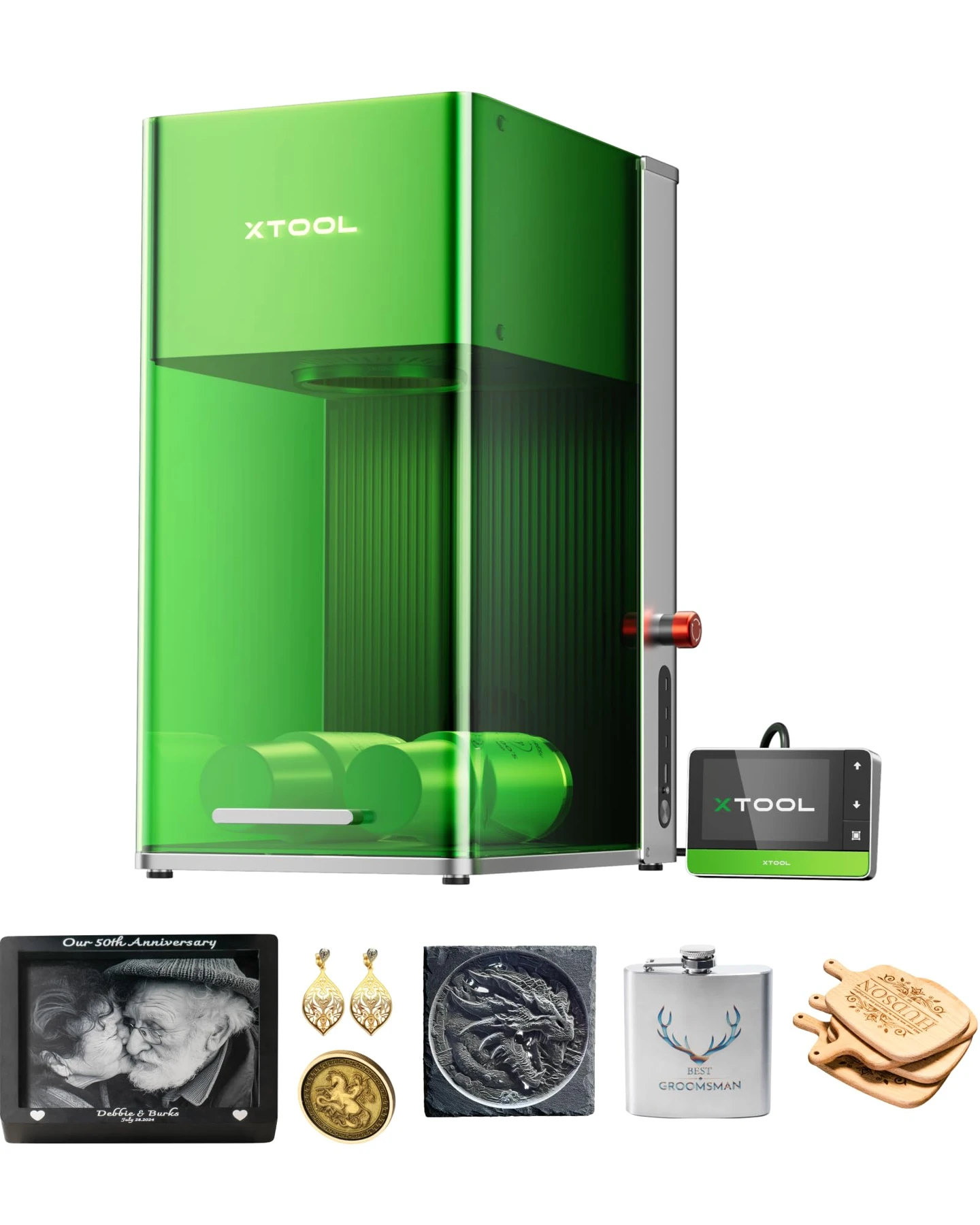
The xTool F1 Ultra has multiple integrated safety features designed for safe operation:
Built-in Safety Systems:
- Fully enclosed cover – Filters out strong laser light, reducing exposure risk
- Emergency stop button – Instant shutdown for immediate safety
- Fire safety alarm – Alerts you to potential fire hazards during operation
- Efficient smoke extraction – Removes smoke quickly to maintain air quality
- Class 4 laser classification – Professional-grade safety standard for dual 20W lasers
For Hands-Free Operation:
Customers note that the integrated safety cover and enclosure make it safe enough for in-store customization — you can engrave items in front of customers without concern.
Important Note: As a Class 4 laser, protective eyewear (laser safety glasses rated for 1064nm fiber and 450nm diode wavelengths) is required when the cover is open.
Is the F1 Ultra worth the extra money?
It can be for deeper metal work, thin-metal cutting, and larger batches. The F2 is often sufficient for shallow marks and portable gift personalization.
Verdict
Choose the xTool F2 if you require a portable machine for craft fairs, mixed-material gifts, and routine surface marking, especially given its bundled slide extension, rotary, and air purifier. Opt for the xTool F1 Ultra when your workflow demands deeper metal engraving, relief work, a larger workspace, and higher-power fiber performance for batch production.