 Laser Engraver Reviews
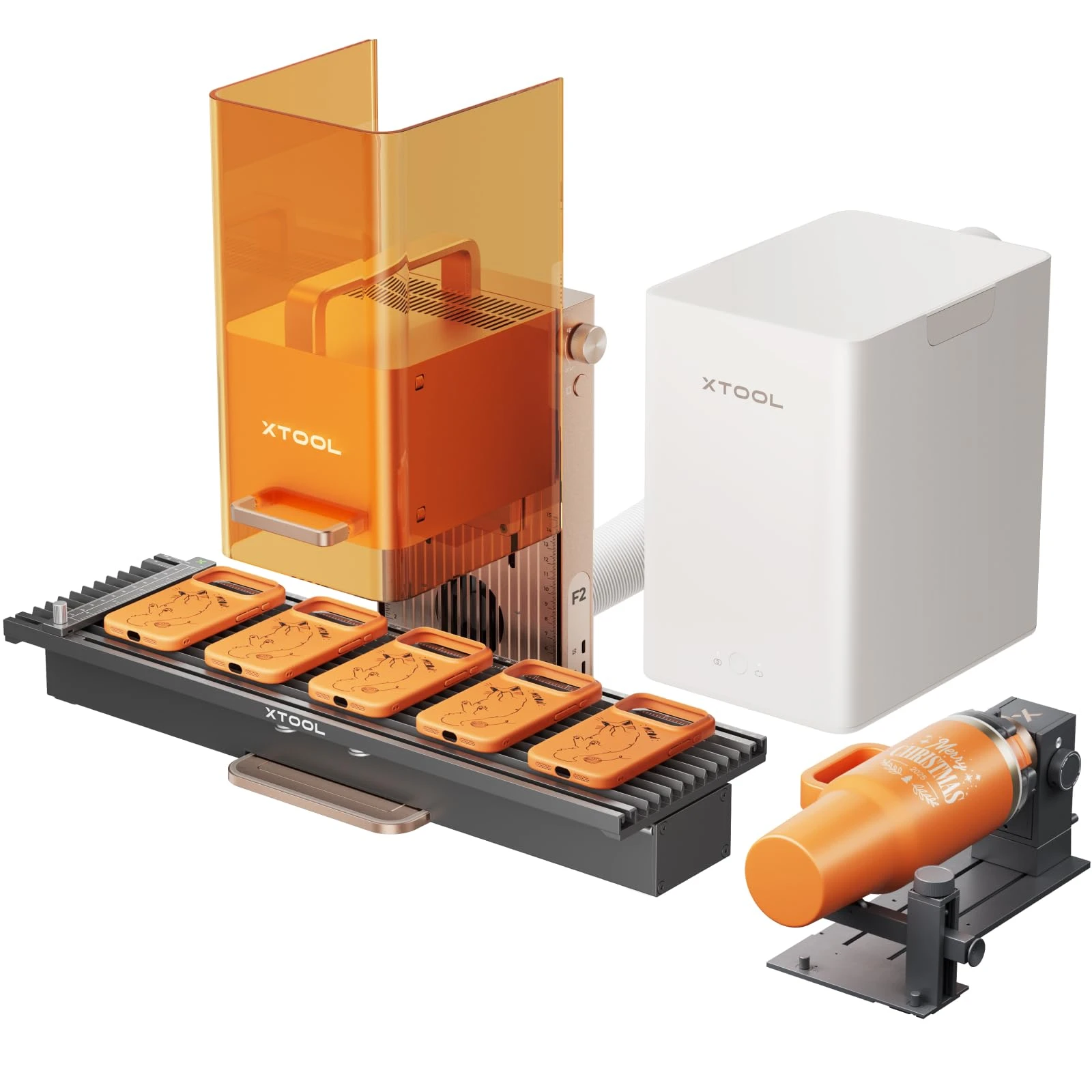
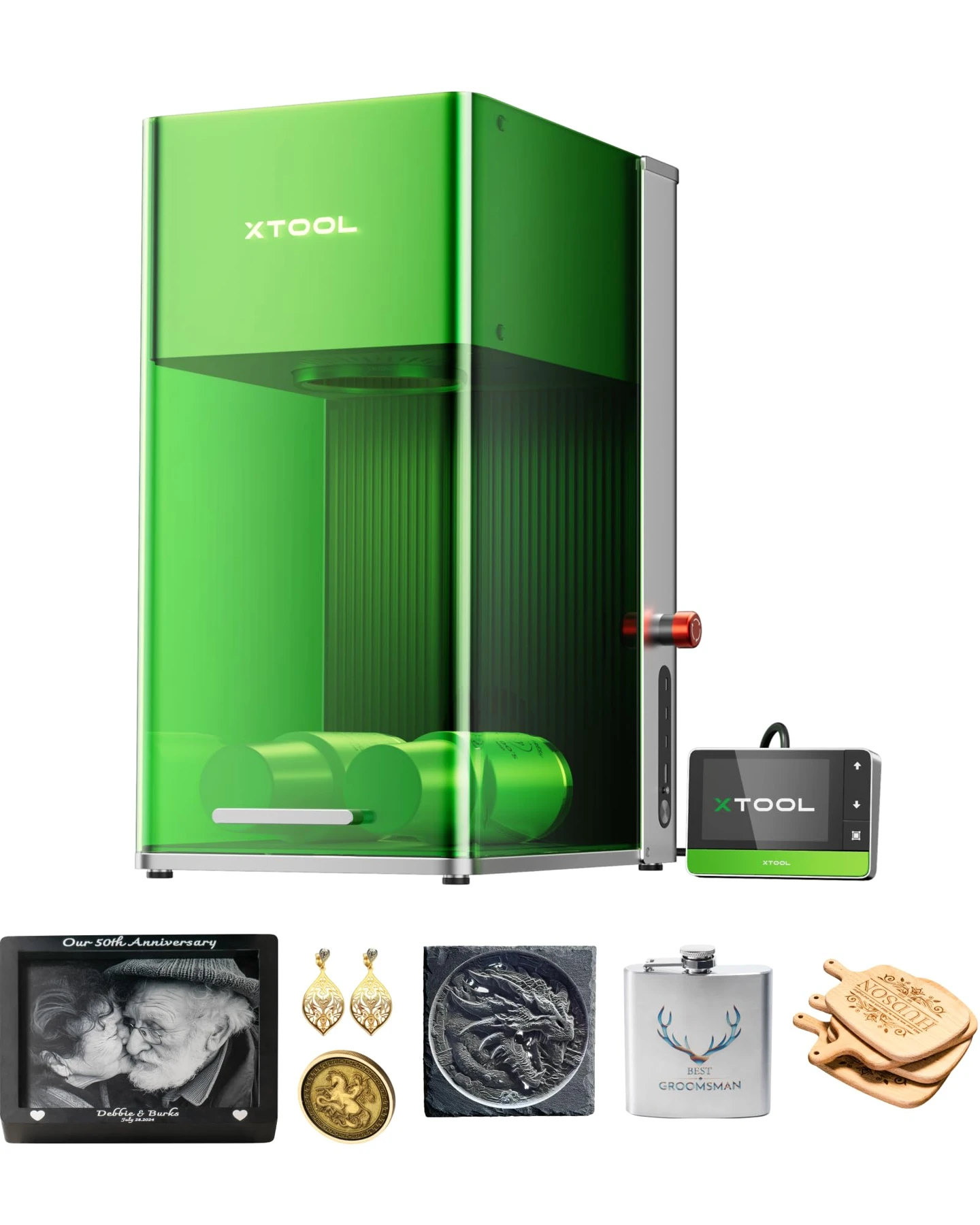
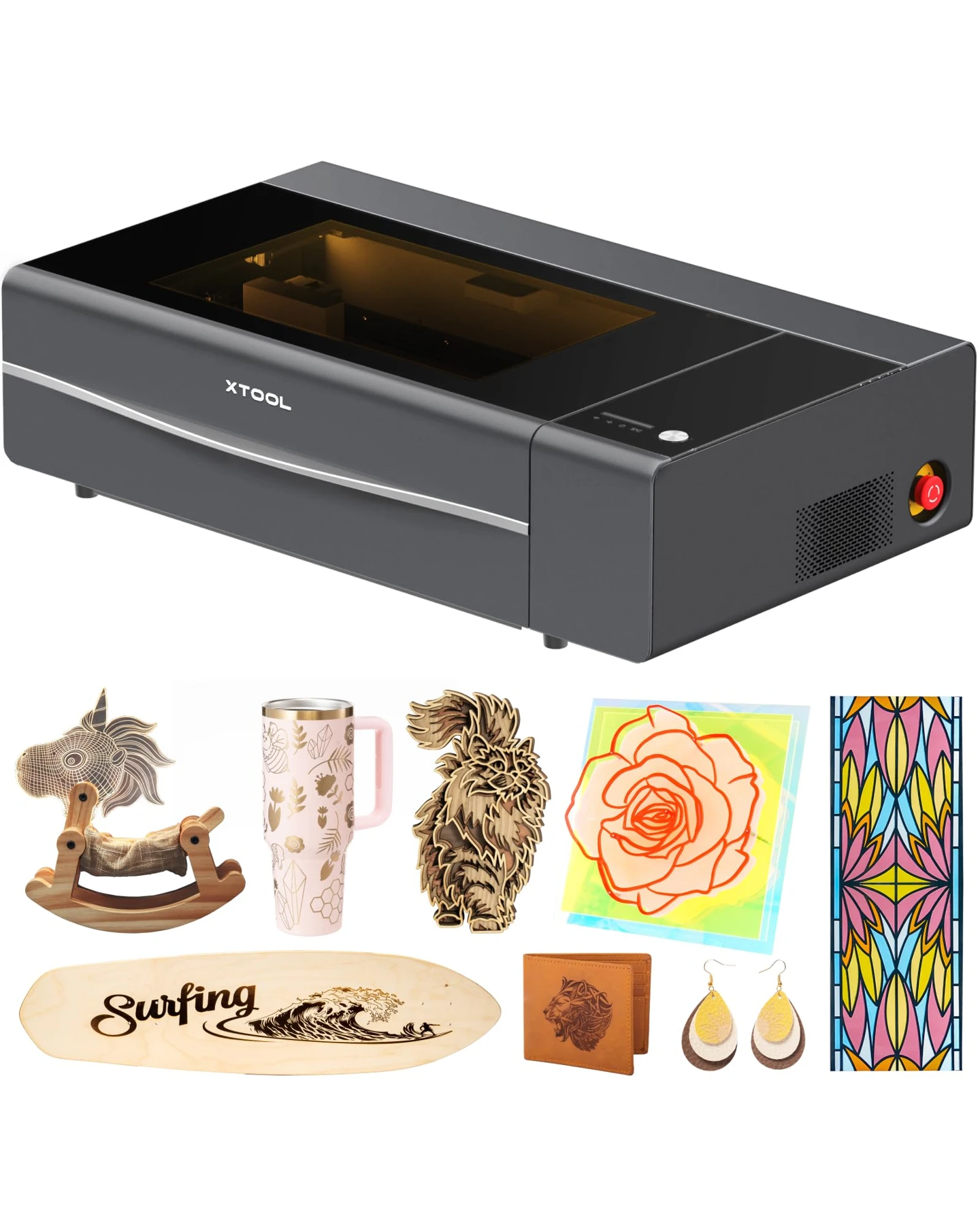
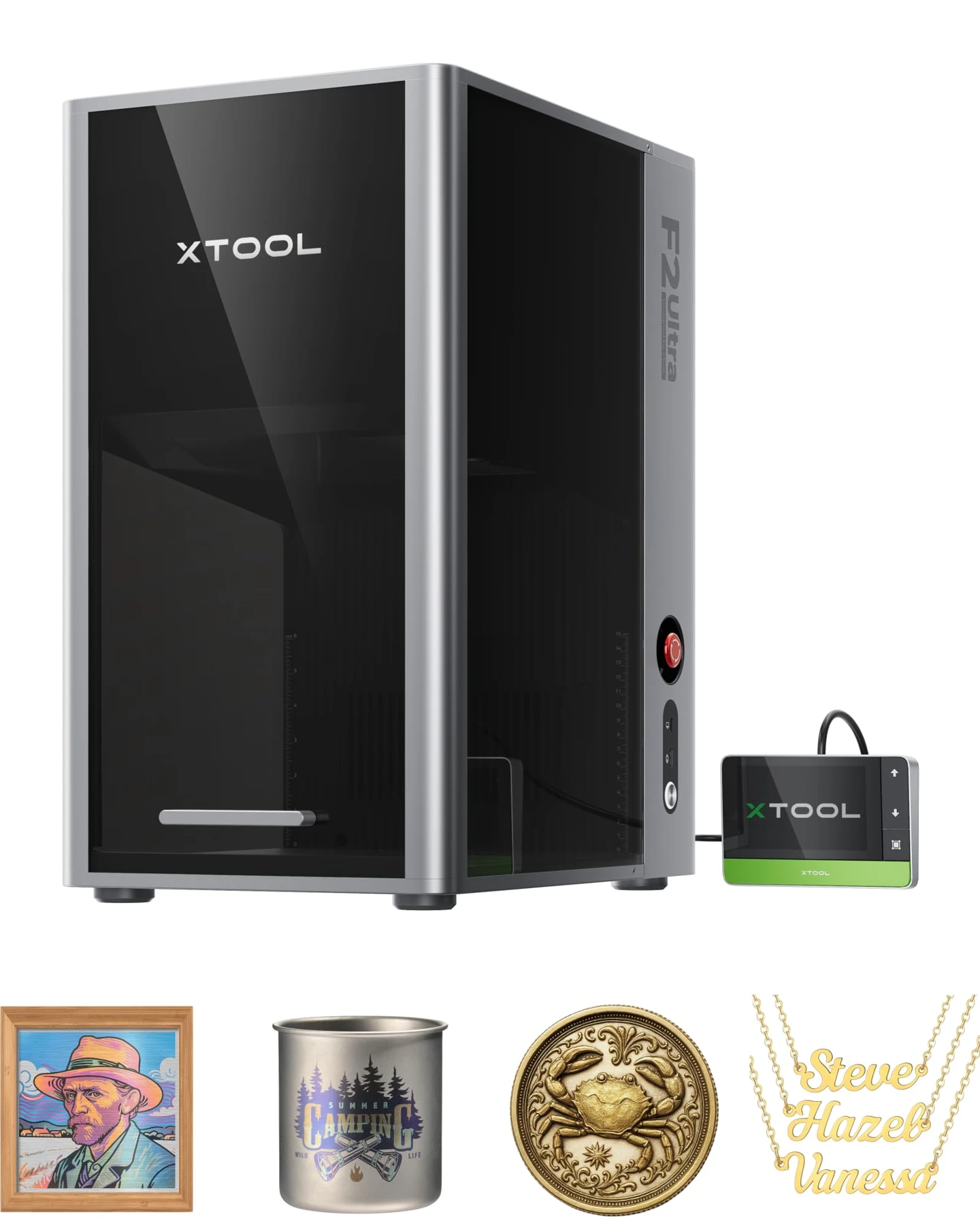
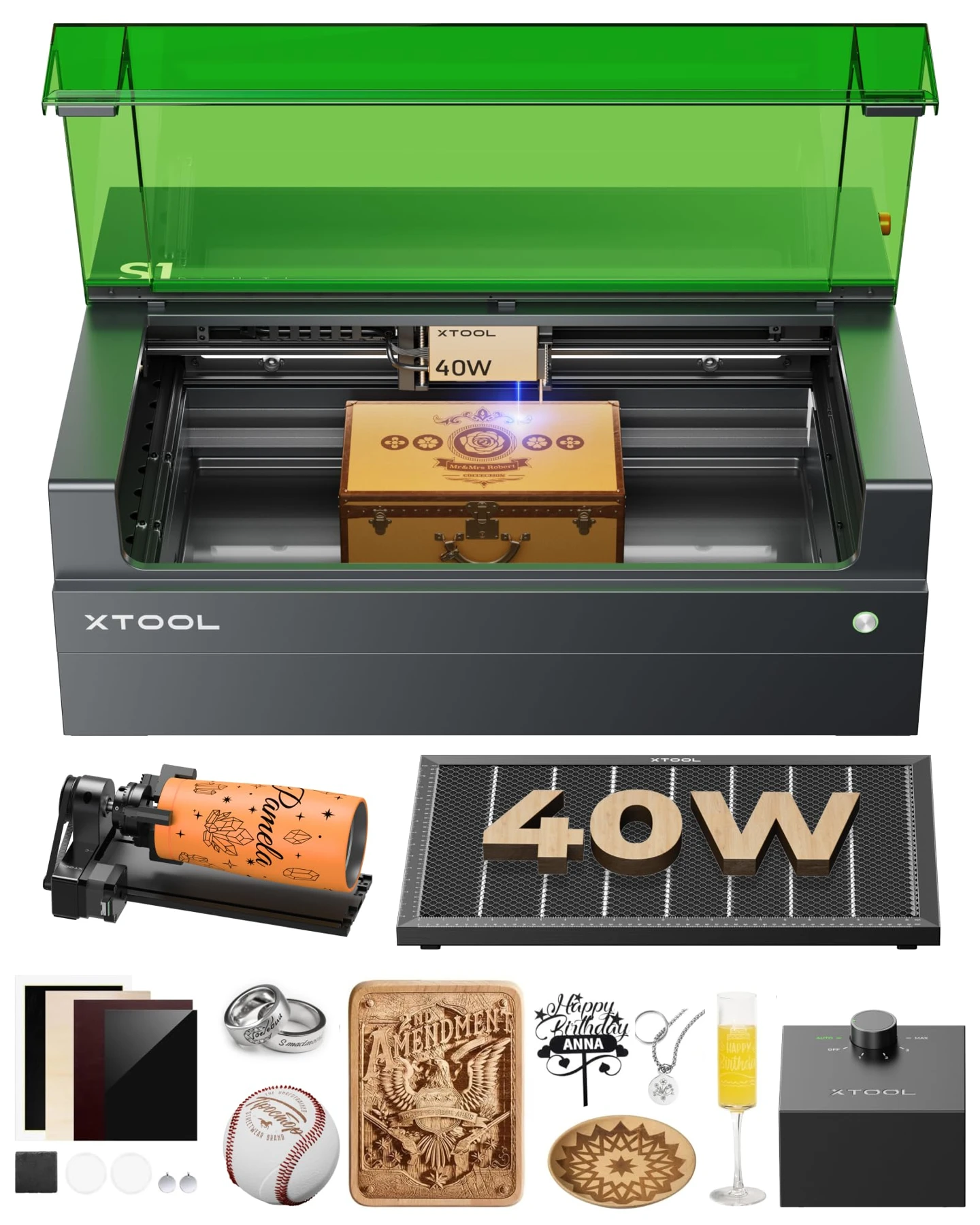
The xTool F2 Ultra Single 60W MOPA and xTool S1 40W Rotary Bundle serve fundamentally different jobs. Choose the F2 Ultra if your primary business involves metal engraving, jewelry, and fine-detail component marking. Choose the S1 if your workflow centers on cutting wood, processing leather, handling compatible dark opaque acrylics, and personalizing cylindrical drinkware.
In this guide
Quick Comparison
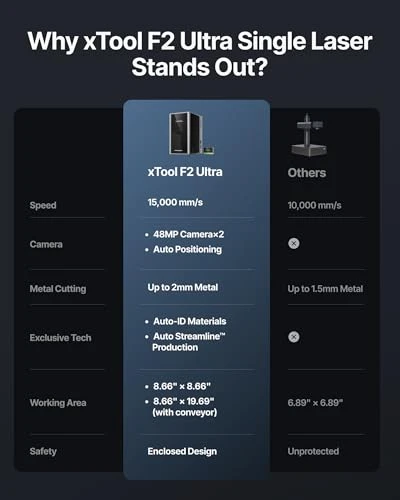
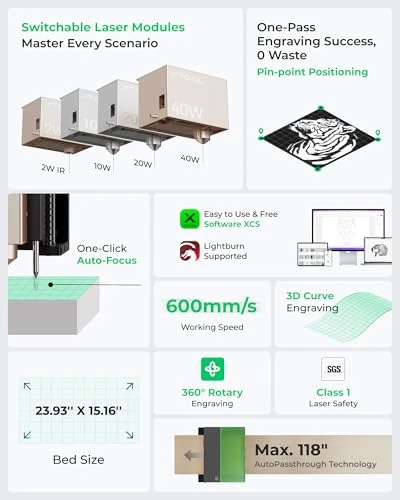
| Comparison Factor | xTool F2 Ultra Single 60W MOPA | xTool S1 40W Rotary Bundle |
|---|---|---|
| Laser technology | 60W infrared MOPA fiber | 40W blue-light diode |
| Wavelength | 1064 nm | Approximately 455 nm |
| Optical output | 60W | 40W |
| Primary strength | Metal engraving and marking | Wood and compatible nonmetal cutting |
| Working area | 8.6 × 8.6 in | Approximately 19.6 × 12.6 in |
| Maximum advertised speed | 15,000 mm/s | 600 mm/s |
| Metal engraving | Deep engraving, surface marking, selected color effects | Primarily surface marking and coatings |
| Wood cutting | Not intended for conventional wood cutting | Suitable for compatible wood |
| Acrylic cutting | Not a general-purpose acrylic cutter | Selected dark, opaque acrylic |
| Positioning | Dual 48MP cameras | Pin-point positioning |
| Rotary accessory | Optional | Included in rotary bundle |
| Best Suited For | Metal jewelry, nameplates, and industrial marking | Wood signs, craft products, and personalized tumblers |
The specifications above describe manufacturer-rated capabilities rather than independently measured performance. Working areas and included accessories should be confirmed against the exact retail configuration.
Laser Technology and Material Capability
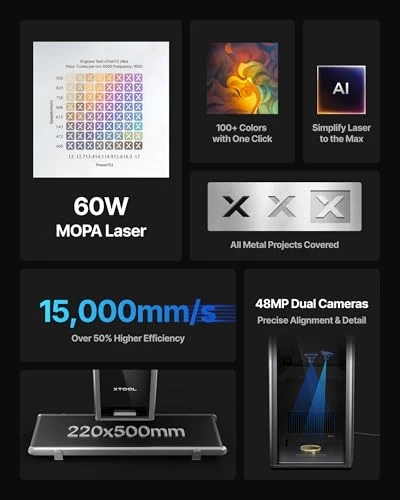
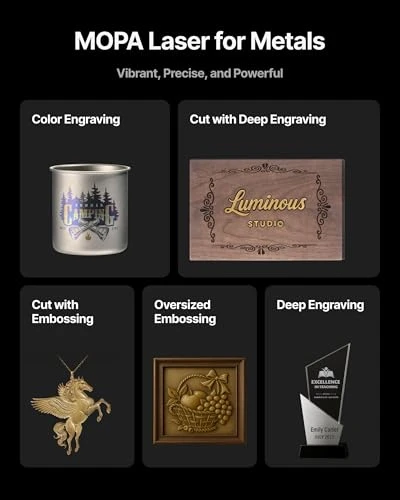
The defining difference is laser type, not the 20W power gap. The F2 Ultra's 1064 nm MOPA fiber laser supports specialized metal processes, including fine surface marking, deeper engraving, and controlled color effects on suitable metals. Its pulse settings offer processing flexibility for metal finishes. Manufacturer cutting examples for the F2 Ultra include up to 2 mm stainless steel and brass and 1 mm aluminum, though actual results depend on material composition, settings, and desired finish.
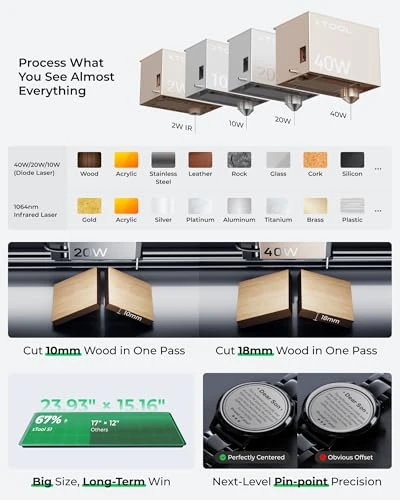
Conversely, the S1 uses a blue diode laser operating at approximately 455 nm, designed for a different material response. It is more appropriate for wood, leather, and certain opaque acrylics. xTool reports single-pass cutting capabilities of up to 18 mm cherry wood and 15 mm dark opaque acrylic under specified test conditions. Clear acrylic remains problematic for a blue diode laser, and PVC should never be laser processed because of hazardous chlorine gas emissions.
Important: The F2 Ultra Single is not the dual-laser F2 Ultra. It does not include the separate diode laser module used for nonmetal processing in the dual-laser version, meaning it should not be purchased for routine plywood or acrylic sheet cutting.
Precision, Speed, and Working Area
The F2 Ultra's published 0.03 × 0.03 mm laser spot is smaller than the S1 40W module's approximately 0.08 × 0.10 mm spot. On suitable metal surfaces, the finer nominal spot assists with intricate logos, tiny text, and detailed patterns. Real-world detail also depends on material behavior, focus, settings, and motion control.
Speed and throughput differ significantly due to machine architecture. The F2 Ultra's advertised maximum speed is 15,000 mm/s, utilizing galvo scanning to rapidly redirect the beam across a compact field. The S1 moves its laser head across a larger XY work area at up to 600 mm/s. Repeated small metal markings benefit substantially from the F2 Ultra's galvo system, while large plywood cutting projects naturally favor the S1's spacious 19.6 × 12.6-inch bed compared to the F2 Ultra's 8.6 × 8.6-inch field.
Software and Daily Workflow
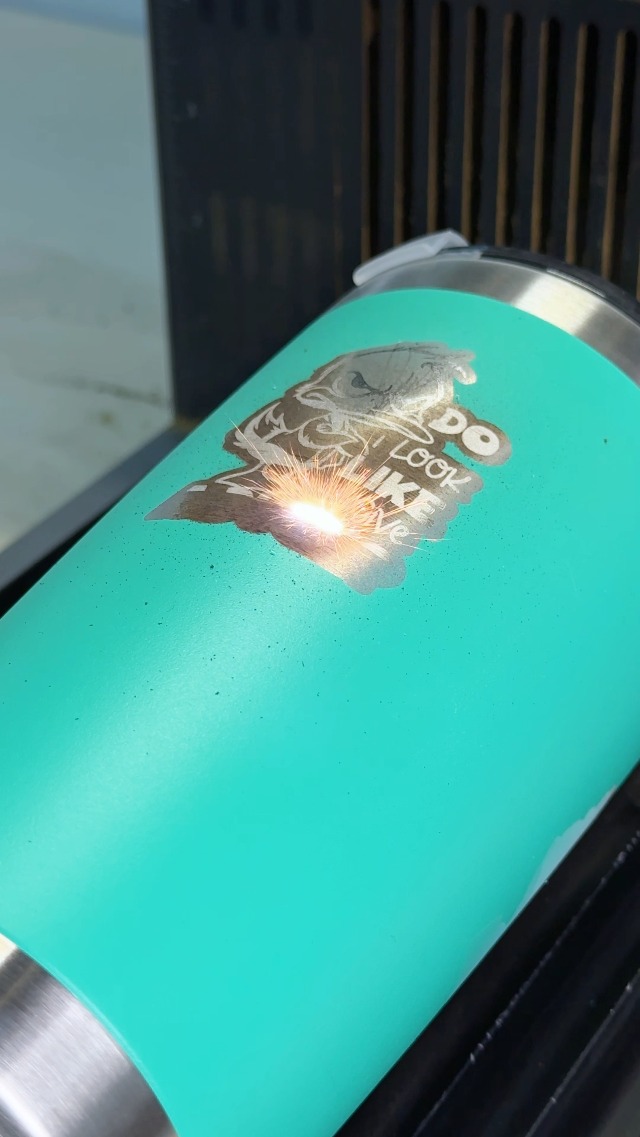
The F2 Ultra features dual 48MP AI cameras to support placement, autofocus, and alignment on small workpieces. Its MOPA pulse controls introduce more parameters to learn when pursuing consistent metal colors or surface finishes. The S1 relies on pin-point positioning rather than a dual-camera system, and its rotary bundle is attractive for cylindrical objects such as coated tumblers.
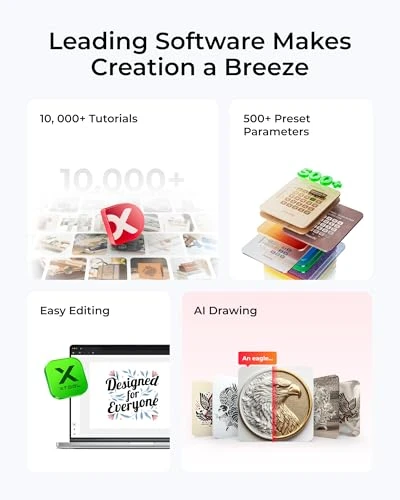
Regarding software compatibility, the S1 has established LightBurn support for basic processing alongside xTool Creative Space (XCS), though with limitations for some manufacturer-specific functions. Updated F2 Ultra Single firmware and compatible LightBurn versions may also support network-based LightBurn connectivity. Check current firmware and software compatibility before buying if LightBurn is central to your workflow.
Safety, Enclosures, and Ownership Costs
Both machines include protective enclosures and safety features, but an enclosure does not remove the need for proper exhaust or filtration. Metal engraving may produce fine particles and coating fumes, while wood cutting creates smoke and combustion byproducts. Material selection and accessory configuration directly affect the ventilation setup.
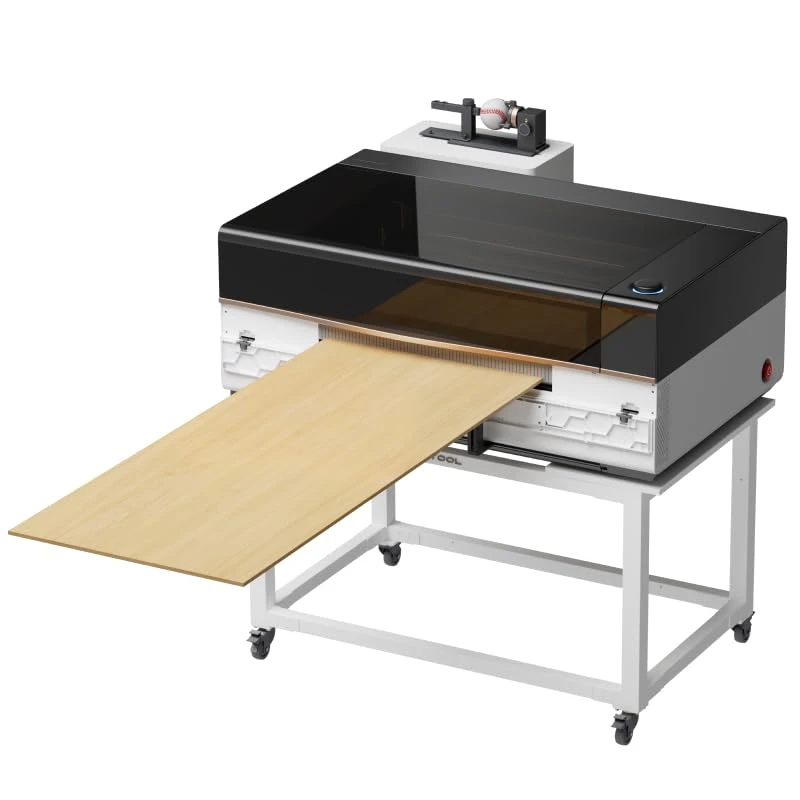
Retail bundles vary. Do not assume that a riser, honeycomb panel, air assist, conveyor, or filtration system is included unless it appears in the exact seller's package contents. Total value depends on accessories, consumables, handling time, scrap, and the products you expect to sell—not just the base-machine price.
F2 Ultra · Product video
S1 40W · Product video

Frequently Asked Questions
Can S1 40W engrave curved surfaces?
Yes! The xTool S1 40W has 3D Curve Tech — a patented technology specifically designed to engrave curved surfaces perfectly.
What You Can Engrave:
- Tumblers & Cups – The rotary attachment (included in this bundle) lets you engrave cylindrical drinkware smoothly
- Spoons & Utensils – Customers report stunning results on curved handles and bowl surfaces
- Plates & Bowls – The auto-focus adjusts height automatically as it follows the curve
- Round Objects – Decorative balls, vases, cylindrical containers
- Angled Surfaces – Even slightly curved or tilted items
How It Works:
- 3D Curve Recognition – The software detects the object's curvature and adjusts laser height in real-time
- Auto-Focus – Maintains perfect focus distance as it moves across the curve
- Rotary Attachment – Spins cylindrical objects while the laser engrave sideways (no manual rotation needed)
Customers consistently mention engraving tumblers, wine glasses, and custom spoons with beautiful, even results.
Can the xTool F2 Ultra Single cut wood?
It is not intended for conventional wood cutting. The single-laser model lacks the diode module used for wood processing in the dual-laser configuration.
Can the xTool S1 40W engrave stainless steel?
It can mark certain metal surfaces with appropriate settings, but it cannot match the F2 Ultra's dedicated deep metal engraving or MOPA color-marking functions.
What materials can each model engrave?
F2 Ultra
The xTool S1 40W engraves an impressive range of materials—the software has pre-tested settings for 400+ materials. Here's what works:
Non-Metals (Engrave & Cut):
- Wood – Pine, oak, cherry, walnut, plywood, MDF (up to 18mm cut depth)
- Acrylic – Clear, colored, frosted (up to 8mm)
- Leather – Natural leather, suede (engraves beautifully, no smell)
- Fabric – Cotton, linen, silk, polyester, felt (engraves without burning)
- Paper & Cardboard – Any weight, including kraft paper
- Rubber & Cork – Custom stamps, coasters
- Silicone – Phone cases, kitchen tools
- Anodized Aluminum – The anodized layer engraves; bare aluminum won't mark
Metals (Engrave Only):
- Stainless Steel – Black/dark marking (best for contrast)
- Titanium – Deep, rich marking
- Brass & Copper – Color variation possible
- Gold & Silver plated – Thin plating engraves; doesn't cut through
- Bare Steel & Iron – Black marking only
- Aluminum (bare) – Requires special settings; lighter contrast
Specialty Materials:
- Mylar – For stencils, masks
- Marble & Stone – Light etching (grayscale engravings)
- Coated Metals – Any powder-coated or painted surface
- Tumblers & Curved Items – With the included 4-in-1 rotary tool
Cannot Engrave:
- PVC, vinyl, polycarbonate (releases toxic chlorine gas)
- Fiberglass (hazardous fumes)
- Carbon fiber
- Transparent materials without coating
- Mirrors (reflects the laser)
Key advantage: The XCS software includes a Material Library with 400+ pre-tested profiles—just select your material type and the machine loads optimal power, speed, and frequency automatically. Customers consistently say the "pre-set settings work perfectly" and save hours of trial-and-error testing.
S1 40W
The xTool S1 40W engraves an impressive range of materials—the software has pre-tested settings for 400+ materials. Here's what works:
Non-Metals (Engrave & Cut):
- Wood – Pine, oak, cherry, walnut, plywood, MDF (cuts up to 18mm)
- Acrylic – Clear, colored, frosted (cuts up to 8mm)
- Leather – Natural leather, suede (engraves beautifully)
- Fabric – Cotton, linen, silk, polyester, felt (engraves without burning)
- Paper & Cardboard – Any weight, including kraft paper
- Rubber & Cork – Custom stamps, coasters
- Silicone – Phone cases, kitchen tools
- Anodized Aluminum – The anodized layer engraves; bare aluminum won't mark
Metals (Engrave Only — Limited):
- Stainless Steel – Black/dark marking (best with coatings)
- Coated Aluminum – Powder-coated or painted surfaces
- Brass & Copper – Color variation possible
- Gold & Silver Plated – Thin plating engraves
Note: The 40W diode laser cannot engrave bare steel, titanium, or other hard metals deeply. Customers report success with coated metals and stainless steel with special settings, but for industrial metal engraving (100+ colors, deep marking), you'd need the fiber laser. For extensive metal work, xTool offers an optional 2W Infrared Laser Module add-on.
Cannot Engrave:
- PVC, vinyl, polycarbonate (toxic fumes)
- Fiberglass (hazardous)
- Carbon fiber
- Mirrors
Key advantage: The XCS software includes a Material Library with 400+ pre-tested profiles—just select your material and the machine loads optimal settings automatically.
Which machine is better for tumblers?
The S1 Rotary Bundle is convenient for coated tumblers because rotary equipment is included. For direct engraving on bare stainless steel, the F2 Ultra is more suitable, with compatible rotary equipment.
Is the F2 Ultra 25 times faster?
No. The published maximum speed ratings differ by a factor of 25, but real job times depend on material, design, passes, and handling.
Can either machine replace the other?
Not fully. The F2 Ultra specializes in metal processing, while the S1 is optimized for common craft materials and larger cutting jobs.
Does S1 40W come with design software?
Yes, the xTool S1 40W comes with xTool Creative Space (XCS) — professional design software included free with every machine.
What's Included:
- xTool Creative Space (XCS) – Intuitive software pre-loaded with 400+ material profiles and 1,000+ step-by-step tutorials
- AI-Powered Design Generator – Type words or upload a photo, and the AI creates unique designs automatically (no design skills needed)
- LightBurn Compatible – You can also use industry-standard LightBurn software ($60, sold separately) if you prefer more advanced control
- Material Library – Pre-tested settings for wood, acrylic, leather, metal, fabric, paper, and more—just select material and hit engrave
- Cross-Platform – Runs on Windows 11 and Mac
Customers consistently mention: The XCS software removes the steep learning curve. Most beginners start with the included XCS and pre-made designs, then graduate to LightBurn or CorelDRAW (converted to DXF/SVG format) as they advance.
Compatible File Formats: DXF, SVG, PDF, JPG, PNG, AI (converted)
Does F2 Ultra require special ventilation?
The xTool S1 40W has built-in ventilation but may need optional upgrading depending on your space:
Built-In Ventilation:
- Internal exhaust fan — manages light smoke from wood, acrylic, and fabric engraving
- Smoke filter inside the machine — captures some particulate matter
- Designed for home or small studio use with adequate room airflow
When You Need Optional Ventilation:
Situation
Solution
Light engraving (wood, acrylic) in a well-ventilated room
Built-in fan is sufficient
Heavy cutting jobs or extended sessions
Need external vent kit
Small, enclosed room
Need air purifier or external vent
Metal engraving (stainless steel, brass)
Air purifier recommended (minimal smoke, but odor)
Leather or fabric engraving
Air purifier helpful (strong smell)
Optional Accessories (Sold Separately):
- xTool Air Purifier — Filters 99.9% of particulates and odors; keeps your workspace clean without needing a window vent
- Vent Pipe Kit — Exhausts smoke directly outdoors through a window or wall (requires installation)
Customers consistently mention: Most home users run the built-in fan + open a nearby window, especially for wood engraving. Others buy the Air Purifier ($200–300) for enclosed spaces or heavy use. Metal engraving produces minimal smoke but odor—most prefer the purifier for comfort.
Verdict
Buy the xTool F2 Ultra Single 60W MOPA if metal engraving is your primary business. It is the more appropriate investment for jewelry, metal nameplates, identification tags, and premium metal customization.
Buy the xTool S1 40W Rotary Bundle if you primarily cut wood and make personalized craft products. Its larger work area, diode laser, and included rotary attachment are better matched to wooden signs, leather goods, and coated drinkware.