 Laser Engraver Reviews
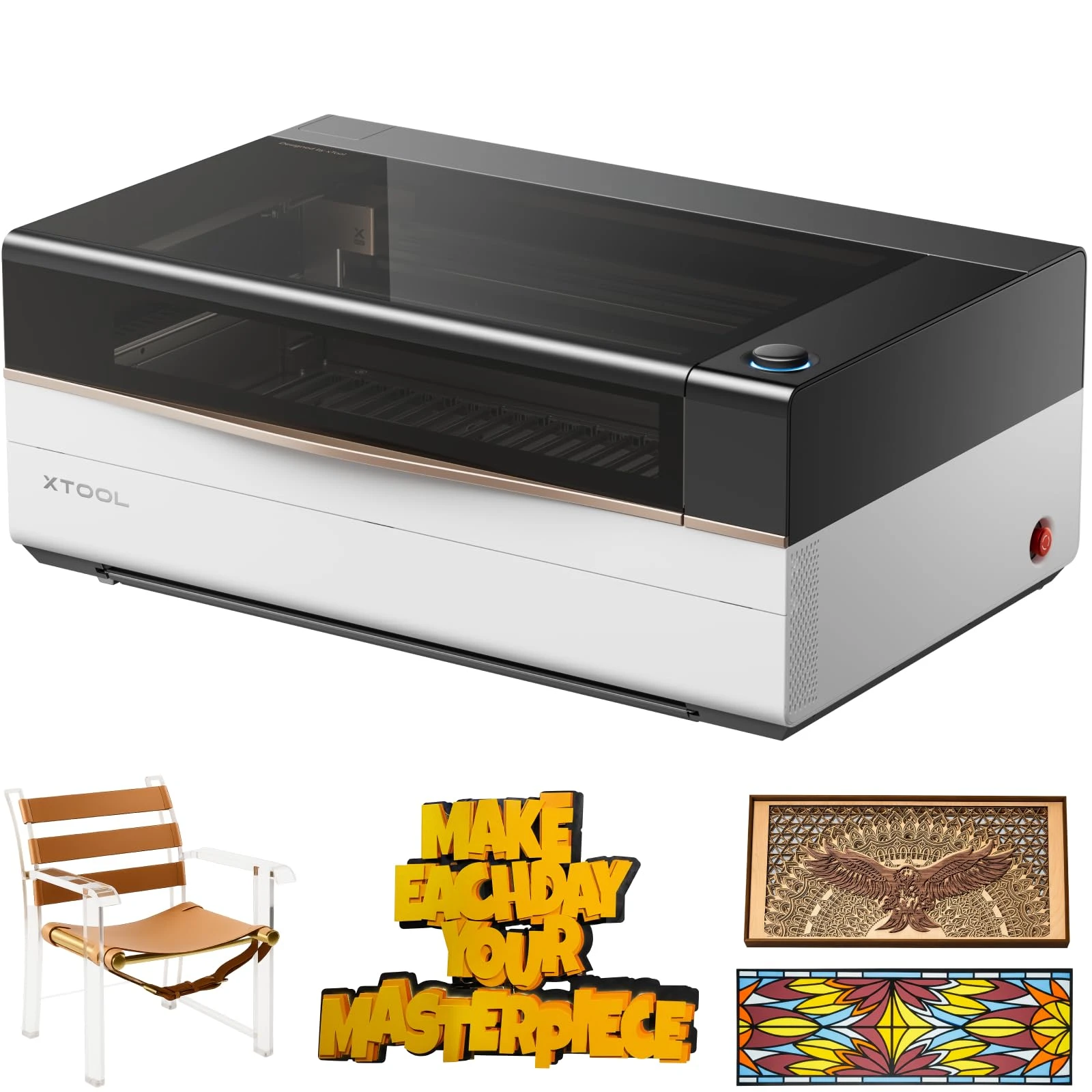
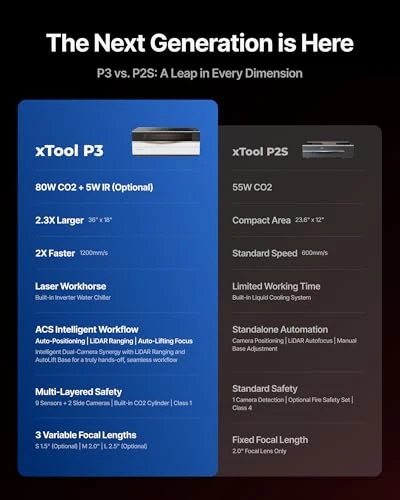
The xTool P3 80W is a workshop commitment, not a small desktop laser with a stronger tube. Its large bed and automated positioning suit repeated signs and personalized products, but its weight, exhaust requirements and xTool Studio workflow need to fit your business before the extra cutting capacity becomes useful.
In this guide
What the Larger Workspace Changes
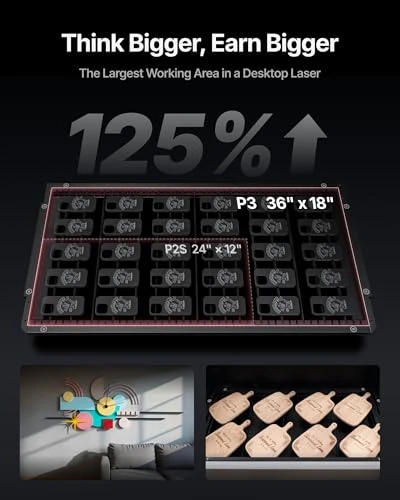
The P3's roughly 36 x 18-inch processing area gives you room for larger designs and more small blanks in one layout. That can reduce how often you reload material. It does not eliminate positioning checks, rejected blanks or finishing work.
| Practical consideration | P3 purchasing implication |
|---|---|
| 80W CO2 laser | Suits non-metal cutting work, including clear acrylic |
| Large processing bed | Useful when your actual designs exceed a compact machine's capacity |
| Camera-assisted positioning | Helps arrange designs; still verify placement on the workpiece |
| xTool Studio workflow | Plan the transition if your current process depends on LightBurn |
| Large, heavy machine | Plan access, support, exhaust routing and maintenance clearance |
Lay out one of your normal orders before buying. If a week's work consists of small, occasional tags, a larger bed may spend most of its life empty. If larger panels or repeated layouts regularly force extra setups, the capacity has a clearer role.
Cutting Acrylic and Wood: Capability Versus Sellable Finish
CO2 is a more appropriate starting point than a conventional blue-diode laser when clear acrylic is central to the product range. The P3's advertised upper cutting capabilities are not a promise that every material, thickness and design will produce a finished retail-quality edge in one pass.
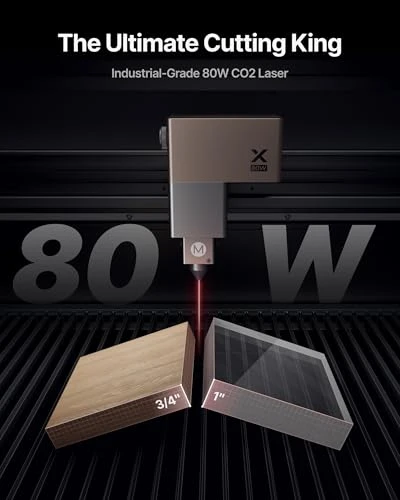
For acrylic signs, inspect edge quality, dimensional fit and heat effects on a sample of the actual stock. A slow cut through a thick sheet can still be unsuitable for the finish or throughput your customer expects.
Wood introduces different variation. Glue layers, voids and surface finish can change the result even when sheets share a nominal thickness. Compare accepted finished pieces, not just whether the beam penetrates. Keep cleaning and any post-processing in the job estimate.
Do not buy the P3 as a general-purpose bare-metal cutting machine. Coated or prepared-surface marking is a different task from cutting structural steel or aluminum. A separate infrared accessory also does not turn the CO2 tube into a metal-cutting system.
Automation Helps Setup, Not Every Production Bottleneck
Camera-assisted placement and automatic height adjustment can reduce repetitive manual setup. They do not make material condition irrelevant: reflective, transparent or uneven surfaces can require extra attention, and the planned design still needs a placement check.
Use a repeatable sequence: prepare the file, load and secure the material, establish the work surface, check focus and placement, process a sample, and inspect the finished result. Saving a proven layout is useful only while the material and fixture remain consistent.
The advertised maximum speed is not a quote for an engraved logo or a cut panel. Cutting, raster engraving, acceleration, job geometry and handling have different time costs. If capacity is the buying reason, measure the complete sample workflow rather than multiplying maximum speed by a shift length.
Software Can Be the Deciding Constraint
The P3 uses xTool Studio on a computer; it is not a native LightBurn machine. This is a practical restriction for a workshop already built around LightBurn files, settings and repeatable operating procedures, not a minor item at the bottom of a specification table.
Try the design-import and preparation process with the kinds of files you actually sell. Check layer organization, cut paths and how you will store repeat orders. Camera integration is valuable when it saves work in your process; it is less valuable if every job requires a disruptive conversion first.
Installation, Extraction and Ongoing Costs
The machine weighs 105 kg, about 231 lb, without packaging. A heavier shipping figure must not be used as the operating weight. Arrange the route into the workshop and a suitable support surface before delivery. The P3 user manual is the starting point for installation, not a product photograph or a shipping-box dimension.
Enclosed operation and extraction serve different purposes. Keep an effective exhaust path, allow access for cleaning, and use compatible extraction equipment. The P3 FAQ distinguishes the recommended AP2 Max or IF2 2.0 arrangements; do not assume that similarly named purifiers are interchangeable or should all be connected together.
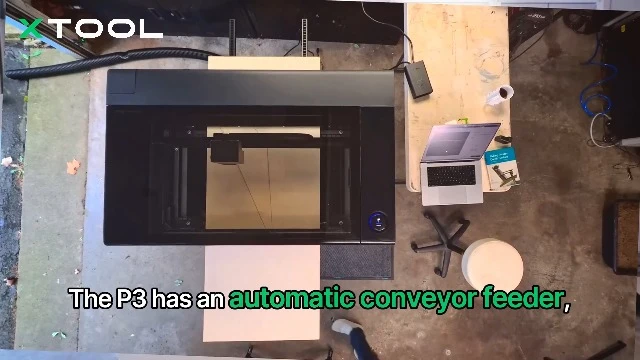
Accessory use can also change the safety setup. A conveyor arrangement must not be treated as ordinary closed-lid operation. Follow the instructions for the actual machine and accessory, keep suitable supervision, and do not use a purifier or interlock as permission to leave a job unattended.
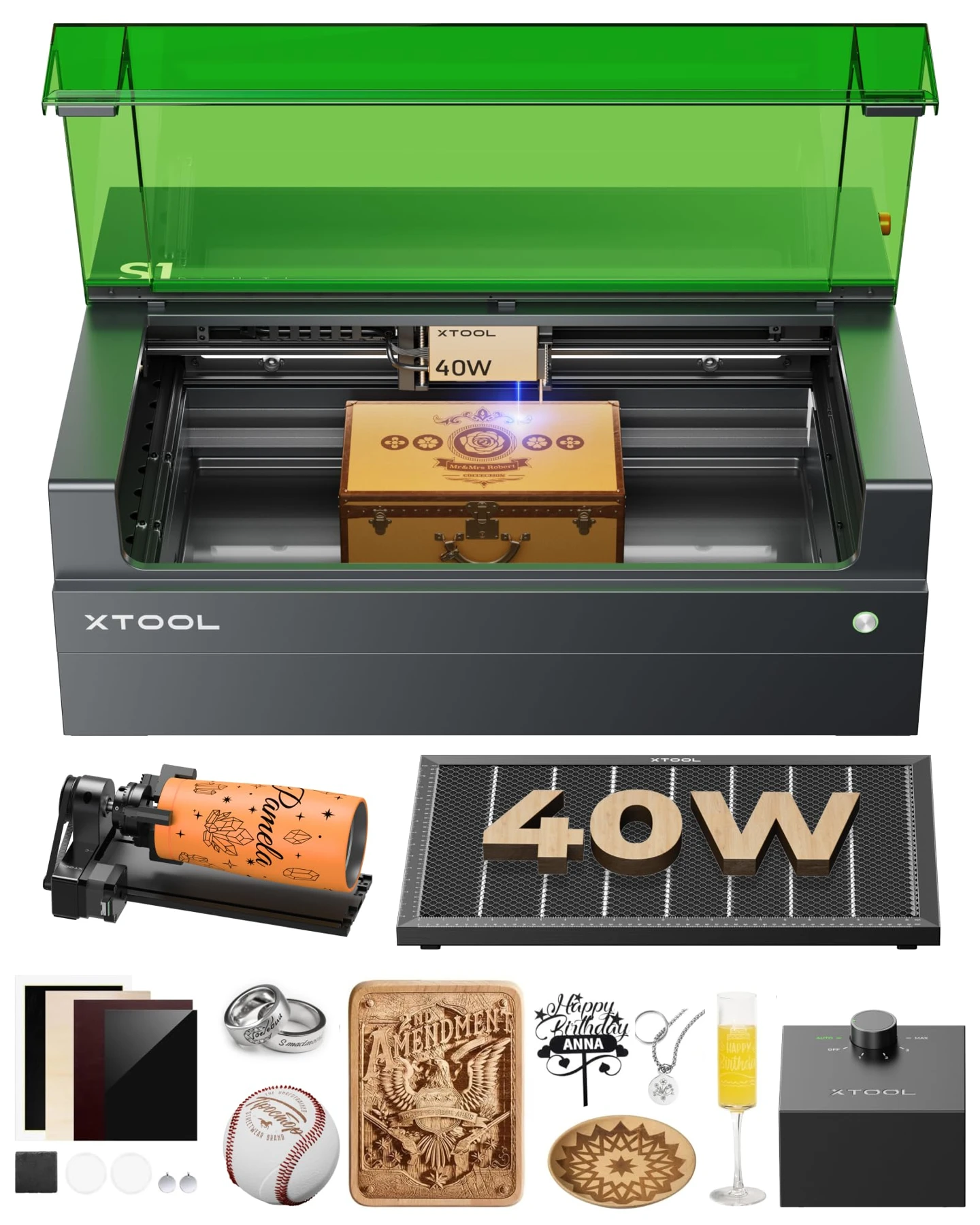
Include cleaning, cooling-system care, lenses, filters where used, sample material and eventual component replacement in the budget. Compare the current package contents with the equipment you need; do not assume a rotary, honeycomb panel or other pictured accessory is included. No fixed return-on-investment figure is meaningful without your own job mix and costs.
P3 80W · Product video
Frequently Asked Questions
Can the P3 cut clear acrylic?
Yes, clear acrylic is an appropriate CO2-laser application. The usable thickness and finish for a particular job still depend on the stock, design and settings. Validate the edge, fit and processing time on a sample before committing a paid batch. A maximum-thickness claim is not a guarantee of the finish you need.
Does it support LightBurn?
No native LightBurn workflow is supported. Plan to use xTool Studio on a computer and check file preparation before purchase. An established LightBurn library does not automatically transfer into a production-ready P3 workflow.
Is it suitable for a home workshop?
Potentially, when the space can accommodate a heavy machine, appropriate support, extraction, access and supervision. It is not a reasonable small-desk purchase. Check the installation route and how you will exhaust processing emissions before deciding where it will stand.
How should I estimate production capacity?
Use an actual job: file preparation, loading, placement checks, processing, unloading and finishing. Record accepted pieces as well as rejects. Compare that complete cycle with the number of orders you need to deliver, rather than treating maximum motion speed as items per hour.
What is the main reason to choose a smaller machine instead?
Choose smaller when your normal work fits comfortably on a compact bed, your order volume is modest, or installation and software changes would outweigh the saved setup work. Reserve budget for materials and a reliable process rather than paying for empty bed space.
Verdict
The P3 is worth considering when larger layouts and repeated non-metal jobs are already part of the workload. Its capacity is harder to justify for occasional small crafts, a tightly constrained room or a business that cannot change its LightBurn process. Buy the workshop fit, not the largest specification you can afford.
P3 80WUSView current offer